Your scheduling software probably has “AI” in the marketing. The question is whether it’s actually doing anything with it.
Real AI scheduling for hourly teams doesn’t just suggest shifts. It forecasts demand, fills gaps automatically, enforces compliance before the schedule publishes, and gets smarter every week. The employee scheduling and shift management software market currently sits at around $2.5 billion and is expected to reach $4.5 to $6 billion by 2033, driven specifically by AI and automation capabilities. Every vendor is claiming a piece of that story. Not all of them have earned it.
Here’s what this guide covers:
- What real AI scheduling actually does for hourly teams vs. basic automation
- The best AI scheduling software for hourly teams, ranked and reviewed
- Must-have AI advanced features that move the needle for shift-based operations
- How to evaluate AI depth before you commit
- What genuine AI scheduling looks like in practice, with real results
One platform worth knowing before the list: Nowsta was built specifically for hourly and shift-based teams, with AI-powered scheduling that connects directly to demand forecasting, compliance, and payroll in one place. It’s not AI as a feature. It’s AI as the operating model.
TL;DR: Quick Comparison of Best AI Scheduling Software
| Capability | Nowsta | Deputy | Workforce.com | Connecteam | When I Work | Homebase | 7shifts |
|---|---|---|---|---|---|---|---|
| Best For | Hourly, shift-based, and contingent workforces | Multi-location shift businesses with compliance needs | Hourly operations needing scheduling-to-payroll continuity | Deskless and field-based mobile teams | Small-to-mid hourly teams needing fast adoption | Small hourly SMBs in retail and restaurants | Multi-location restaurant and food service groups |
| AI Scheduling Depth | ✅ Advanced, demand-driven auto-scheduling | ✅ AI-assisted, demand-aware | ✅ Advanced, demand-driven | ✅ AI auto-scheduling, fairness-weighted | ⚠️ AI-assisted, template-based | ⚠️ AI-suggested, availability-based | ✅ AI-assisted, POS-driven |
| Demand Forecasting | ✅ Historical data, patterns, events | ✅ Sales, weather, foot traffic | ✅ Sales, weather, foot traffic, 4 weeks out | ❌ Not available | ⚠️ Basic labor cost projections | ⚠️ POS-based basic forecasting | ✅ POS, weather, local events |
| Auto-Broadcast Open Shifts | ✅ Best-fit automated broadcast | ✅ Automated suggestions | ✅ Automated marketplace | ✅ Employee claim-based | ✅ Open shift marketplace | ⚠️ Basic open shift posting | ✅ Automated notifications |
| Pre-Publish Conflict Detection | ✅ Overtime, certs, rest periods, budget | ✅ Overtime + rest period violations | ✅ Overtime + staffing ratio violations | ✅ Overtime + rest period violations | ⚠️ Basic conflict alerts | ⚠️ Basic conflict alerts | ✅ Overtime + compliance flags |
| Compliance Automation | ✅ Pre-publish, automated enforcement | ✅ Fair Workweek + fatigue rules | ✅ Fair Workweek + overtime | ⚠️ Basic | ⚠️ Basic alerts only | ⚠️ Basic alerts only | ✅ Overtime + break rules |
| Schedule-to-Payroll Integration | ✅ Native, real-time sync | ⚠️ Via third-party integration | ✅ Native, automated | ⚠️ Limited (4 providers) | ⚠️ Via third-party integration | ⚠️ Add-on payroll module | ⚠️ Via third-party integration |
| Real-Time Labor Cost Visibility | ✅ During scheduling, budget alerts | ✅ During scheduling | ✅ Live during scheduling | ⚠️ Basic reporting | ✅ During scheduling | ⚠️ Basic cost tracking | ✅ Labor-as-% of revenue |
| GPS Clock-In + Geofencing | ✅ GPS + geofencing + photo capture | ✅ GPS + facial recognition kiosk | ✅ GPS + geofencing | ✅ GPS + geofencing + auto clock-out | ⚠️ Location restriction only | ✅ GPS + geofencing | ✅ POS-integrated clock-in |
| Employee Self Service | ✅ Swaps, claims, time off, instant pay | ✅ Swaps, availability, time off | ✅ Swaps, availability, time off | ✅ Swaps, claims, time off | ✅ Swaps, claims, time off | ✅ Swaps, PTO, early wage access | ✅ Swaps, availability, time off |
| Mobile-First Experience | ✅ iOS + Android, full workflow | ✅ Mobile-first | ✅ Full mobile | ✅ Mobile-first, all features | ✅ Full mobile | ✅ Full mobile | ✅ Full mobile |
| Contingent Workforce Scheduling | ✅ Full vendor + agency integration | ❌ Not supported | ❌ Limited | ❌ Not supported | ❌ Not supported | ❌ Not supported | ❌ Not supported |
| Multi-Location Management | ✅ Centralized, full cross-location view | ✅ Full multi-location | ✅ Full multi-location | ✅ Full multi-location | ✅ Full multi-location | ⚠️ Per-location pricing | ✅ Multi-location restaurant focus |
| Reusable Templates + Skill Rules | ✅ Templates + skill-based rules | ✅ Templates + role rules | ✅ Templates + staffing ratios | ✅ Templates + recurring shifts | ✅ Templates + role assignment | ✅ Basic templates | ✅ Role-based templates |
| AI Learns Over Time | ✅ Continuous demand refinement | ✅ Improves with sales data | ✅ Continuous model refinement | ⚠️ Rule-based, not adaptive | ❌ Static templates | ⚠️ Basic adaptation | ✅ Improves with POS data |
| Industry Focus | Catering, events, hospitality, QSR, staffing | Retail, hospitality, healthcare, multi-site | Retail, hospitality, healthcare | Deskless, field service, logistics | Retail, hospitality, healthcare | Restaurants, retail, service | Restaurants and food service |
| Implementation Speed | ✅ Fast | ✅ Fast | ⚠️ Moderate | ✅ Fast | ✅ Very fast | ✅ Very fast | ✅ Fast |
Real AI vs. Basic Automation
“AI-powered” is on every scheduling vendor’s homepage right now. Most of it means the tool has a drag-and-drop builder and auto-fills obvious gaps. That’s not AI. That’s automation with better marketing.
The distinction matters because the two solve fundamentally different problems for hourly teams.
What Basic Automation Actually Does
Basic scheduling automation speeds up manual work. It doesn’t replace the thinking behind it. A manager still decides how many people are needed and when. The tool just makes the calendar easier to fill.
This includes:
- Template-based schedule creation
- Availability filters that surface who’s free
- Conflict alerts when two shifts overlap
- Shift swap approvals via mobile
Useful. But a manager is still making every meaningful decision.
What Real AI Scheduling Does
True AI scheduling removes the manager from the data-intensive parts of the decision entirely. It doesn’t wait to be told what’s needed. It figures it out.
Real AI for hourly teams:
- Forecasts demand using historical data, seasonal patterns, and real-time signals to predict how many workers are needed per role, per location, per hour
- Generates optimized schedules automatically, matching availability, certifications, overtime rules, and labor cost targets simultaneously
- Broadcasts open shifts to best-fit workers the moment a gap appears, without manager intervention
- Enforces compliance proactively, blocking violations before the schedule publishes, not after a shift ends
- Gets smarter over time, refining forecasts as more operational data accumulates
The Practical Difference at Scale
| Capability | Basic Automation | Real AI Scheduling |
|---|---|---|
| Demand forecasting | ❌ Manager estimates | ✅ Data-driven prediction |
| Schedule generation | ⚠️ Template-assisted | ✅ Fully automated |
| Compliance enforcement | ⚠️ After-the-fact alerts | ✅ Pre-publish blocking |
| Open shift filling | ⚠️ Manager broadcasts | ✅ Automated best-fit matching |
| Improves over time | ❌ Static | ✅ Learns from patterns |
For operations cutting scheduling time by 80%, the difference is real AI. Nowsta’s AI scheduling engine is built around this model: demand forecasting, automated shift generation, and compliance enforcement working together before a single shift is published.
Best AI Scheduling Software for Hourly Teams, Ranked
The rankings below are built around one specific question: how deep does the AI actually go for hourly, shift-based operations? Not how good the UI looks, not how long the feature list is. How much of the thinking does the platform actually remove from the manager’s plate.
1. Nowsta
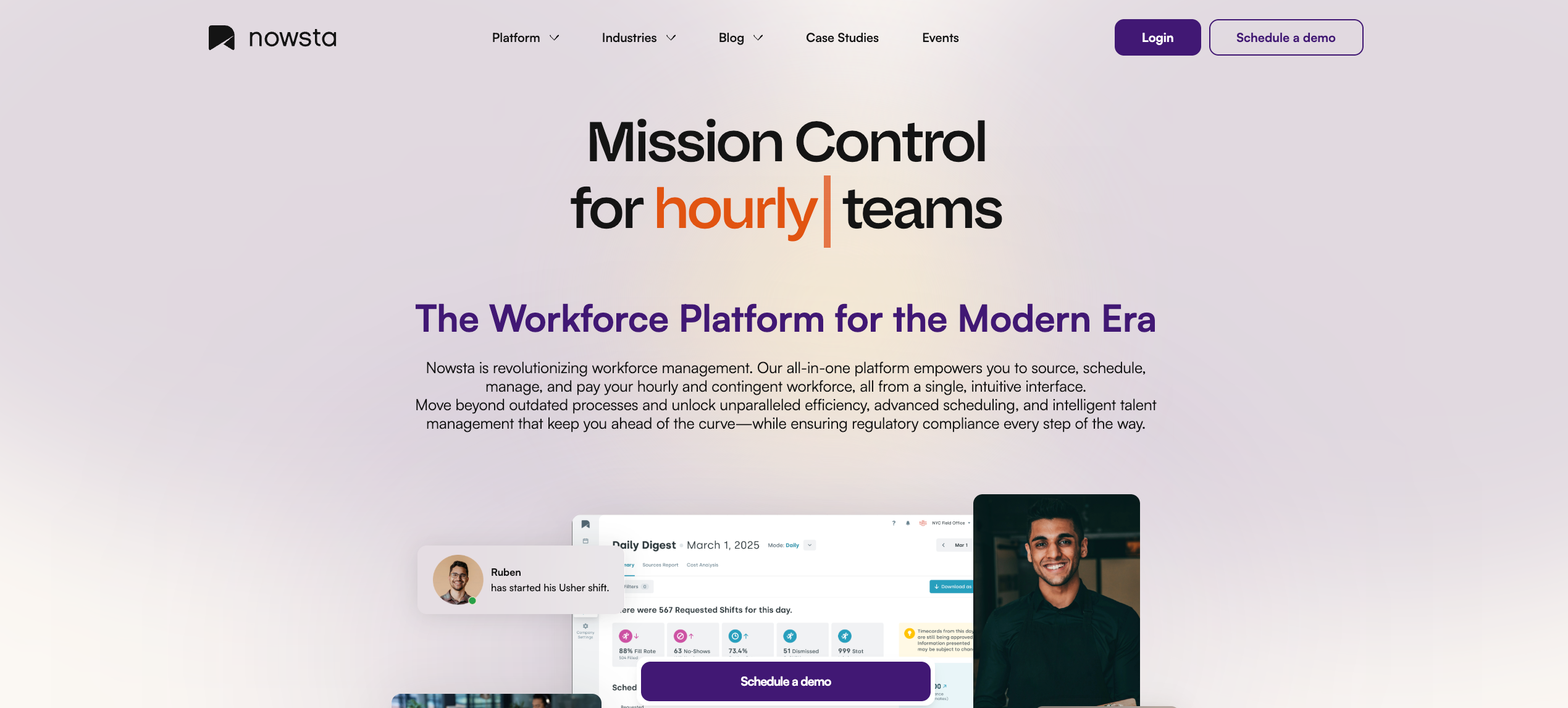
Best for: Hourly, shift-based, and contingent workforces where AI scheduling connects directly to compliance and payroll
Most AI scheduling tools stop at the schedule. Nowsta starts there and goes further. The AI doesn’t just fill shifts, it forecasts how many are needed, matches workers by skill and availability, enforces compliance before publishing, and connects every scheduling decision directly to time tracking, payroll, and labor cost visibility. That’s a complete operational loop, not a scheduling feature.
What makes Nowsta’s AI different for hourly teams:
- Demand forecasting that analyzes historical patterns to predict staffing needs by role and location before a manager opens the scheduler
- Auto-broadcast of open shifts to best-fit workers the moment a gap is detected, without requiring manager intervention
- Compliance enforcement baked into the AI engine: overtime limits, break rules, and certification requirements get flagged and blocked before the schedule publishes, not after
- Real-time budget alerts triggered as the AI builds schedules, so labor cost decisions happen during scheduling, not at payroll review
- Talent intelligence that ranks workers by skills, past performance, and availability, so the right person fills every shift, not just the available one
- Reusable templates with skill-based rules that make recurring high-volume events faster to schedule every time
The outcome: 80% less time scheduling, 28% fewer no-shows, and a 15% reduction in labor costs. For operations managing contingent and direct-hire staff on the same schedule, Nowsta is the only platform on this list with full native vendor management alongside its AI scheduling engine.
Customer Spotlight
Scratch Gourmet Catering was managing complex custom event staffing manually before switching to Nowsta. After modernizing their operations, they streamlined scheduling across their entire workforce without adding headcount to the operations team.
Read the full story
See Nowsta’s AI scheduling in action
2. Deputy
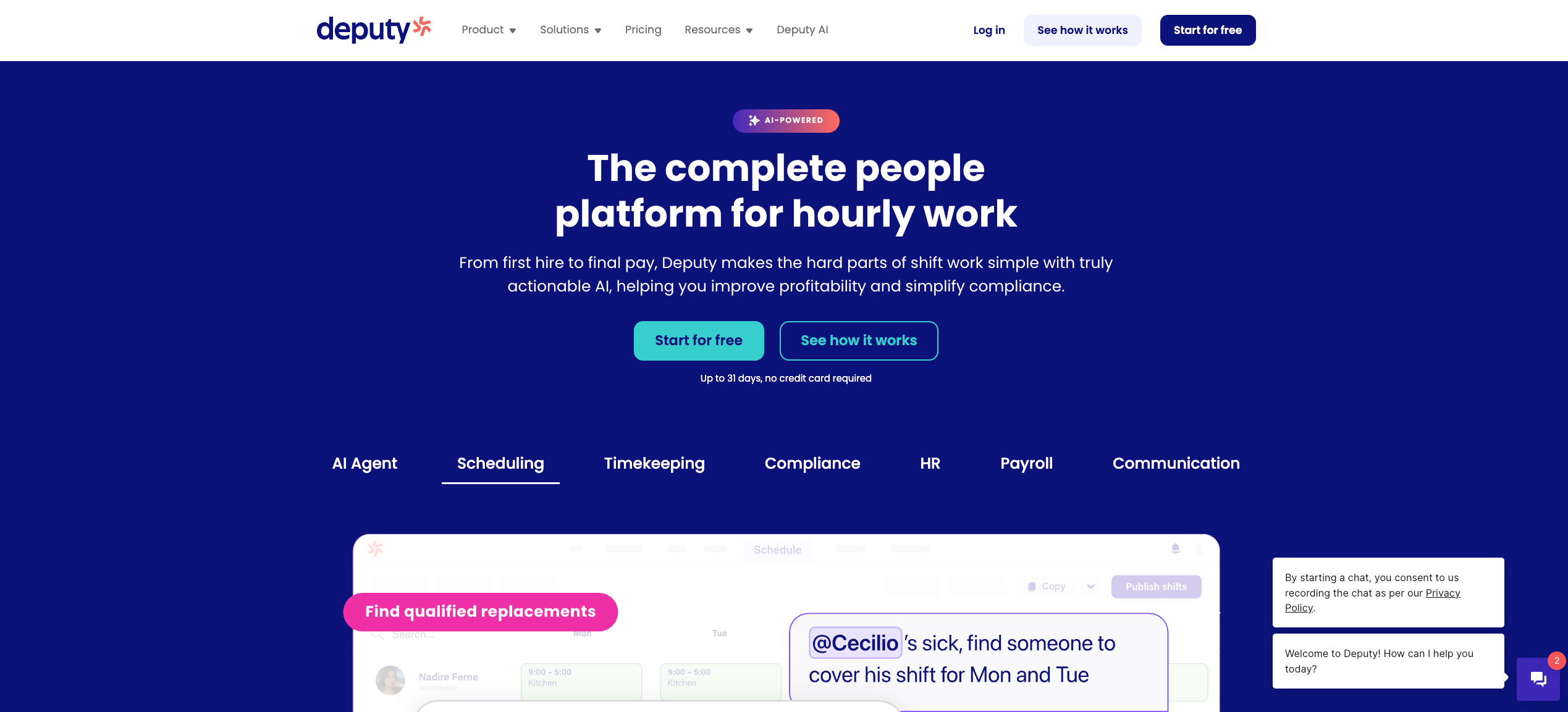
Best for: Multi-location shift businesses needing fast AI-assisted scheduling with strong compliance tools
Deputy’s AI scheduling is genuinely useful for hourly teams that need schedules built quickly and adjusted even faster. Its intelligence layer focuses on reducing manager decision fatigue: instead of manually cross-referencing availability and coverage requirements, managers get intelligent suggestions, compliance checks, and real-time gap alerts in a single workflow.
What it offers:
- AI-assisted schedule creation that factors availability, qualifications, and labor law simultaneously
- Demand forecasting using historical sales data, foot traffic, and weather patterns to predict shift requirements
- Automated fatigue rule enforcement and Fair Workweek compliance baked into the scheduling process
- Real-time alerts when coverage drops below threshold, with suggested replacements surfaced automatically
- Labor cost projections updated in real time as the schedule is built
- Facial recognition clock-in via kiosk for high-traffic sites where buddy punching is a risk
Considerations:
Deputy’s AI is strong at the scheduling and compliance layer. Where it falls short for larger hourly operations is payroll integration depth and contingent workforce management. Several payroll systems require additional manual steps to align hours and pay data. For operations mixing agency and direct-hire staff in the same schedule, the platform has limited capability.
Nowsta handles both natively, with AI scheduling, payroll integration, and full vendor management in one system built specifically for this operating complexity.
3. Workforce.com
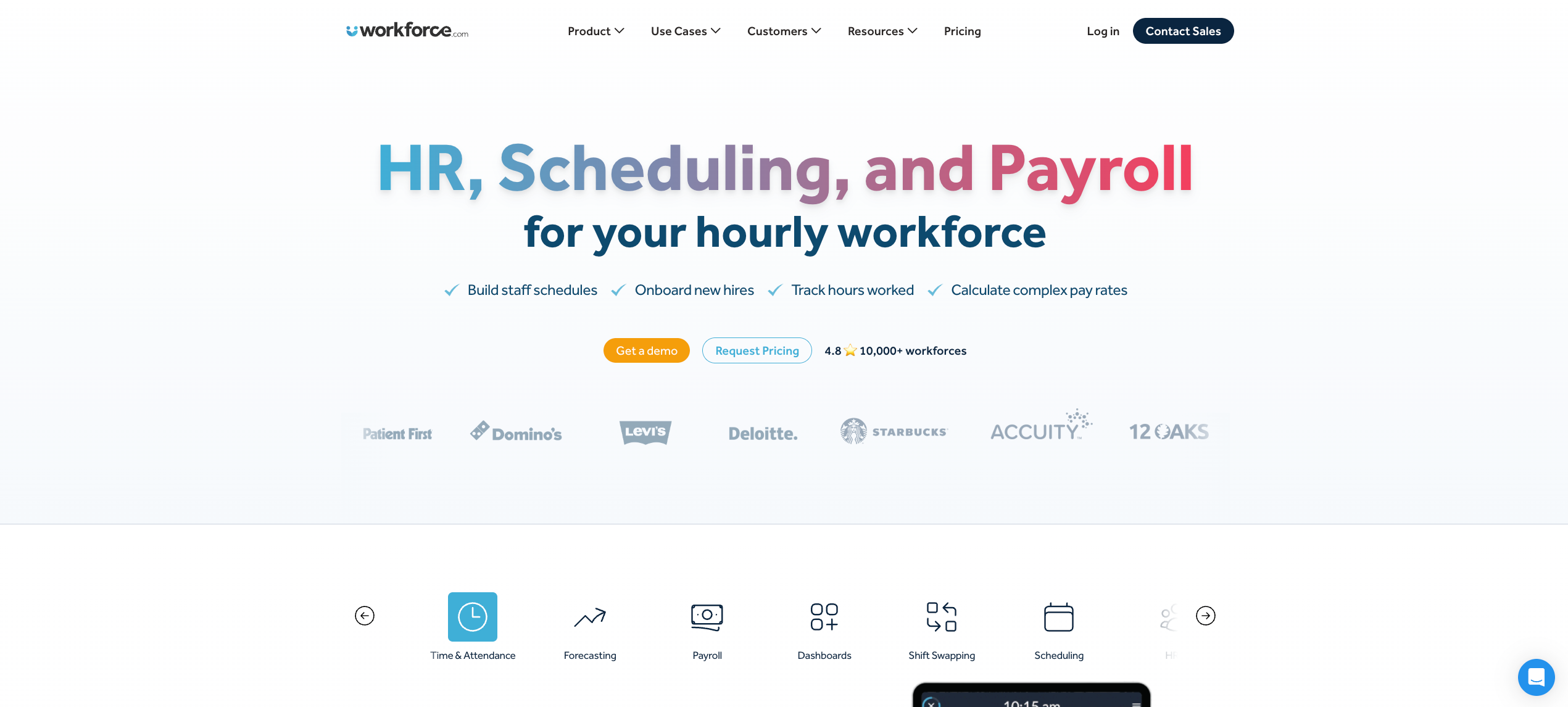
Best for: Hourly operations where AI scheduling and payroll need to operate as a single connected workflow
Workforce.com takes a specific architectural position: scheduling and payroll should never be separate systems. Its AI scheduling engine is built to generate demand-based schedules that flow directly into wage-and-hour calculations without any manual export step between them.
What it offers:
- AI agent-driven labor forecasting using historical sales, foot traffic, and demand signals to generate schedules up to four weeks out
- Auto-scheduling that matches worker availability, role requirements, and labor cost targets simultaneously
- Fair Workweek compliance enforcement built directly into the scheduling engine
- Real-time attendance dashboards showing actual versus scheduled hours as shifts unfold
- Wage-and-hour automation that applies overtime rules and pay rate changes directly on the timesheet before payroll runs
- An attendance points system that tracks callout patterns and surfaces chronic reliability issues automatically
Considerations:
Workforce.com’s tight scheduling-to-payroll loop is its clearest strength. For operations that also need to manage agency staff, vendor relationships, and a contingent talent pool alongside AI scheduling, the platform’s scope is narrower than what complex event or hospitality operations require.
4. Connecteam
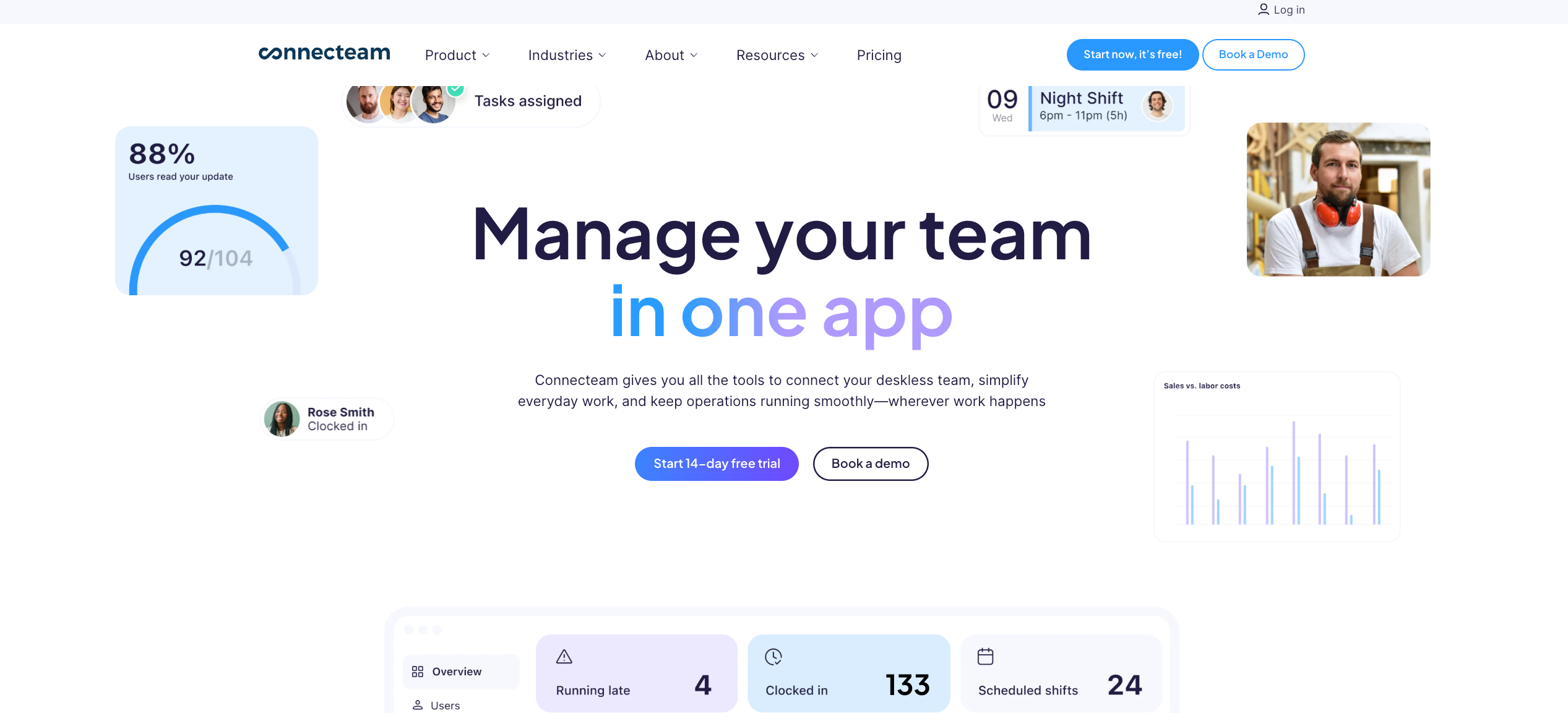
Best for: Deskless and field-based hourly teams needing mobile-first AI scheduling with built-in communication
Connecteam’s auto-scheduling AI handles the complexity of shift-based workforce management in a way that’s genuinely accessible to non-technical managers. It looks at availability, time-off requests, role qualifications, and shift coverage requirements simultaneously, then fills every open slot in seconds, while factoring in shift fairness so unpopular shifts don’t always fall to the same workers.
What it offers:
- AI auto-scheduling that fills open slots based on availability, qualifications, and fairness distribution
- Built-in conflict detection that flags overtime, rest period violations, and overlapping shifts before the schedule publishes
- GPS clock-in with geofencing and auto clock-out when workers leave job sites
- In-app team chat, group announcements, and direct messaging alongside scheduling in the same interface
- Digital forms and checklists attached directly to shifts for compliance documentation
- Shift tasks automatically and sub-tasks tied to individual shifts with real-time completion tracking
Considerations:
Connecteam’s hub-based pricing model can escalate at larger headcount, and its payroll integration options are more limited than dedicated WFM platforms. Native payroll processing isn’t available. For operations that need AI scheduling connected to payroll and compliance in a single workflow, additional integrations are required.
5. When I Work
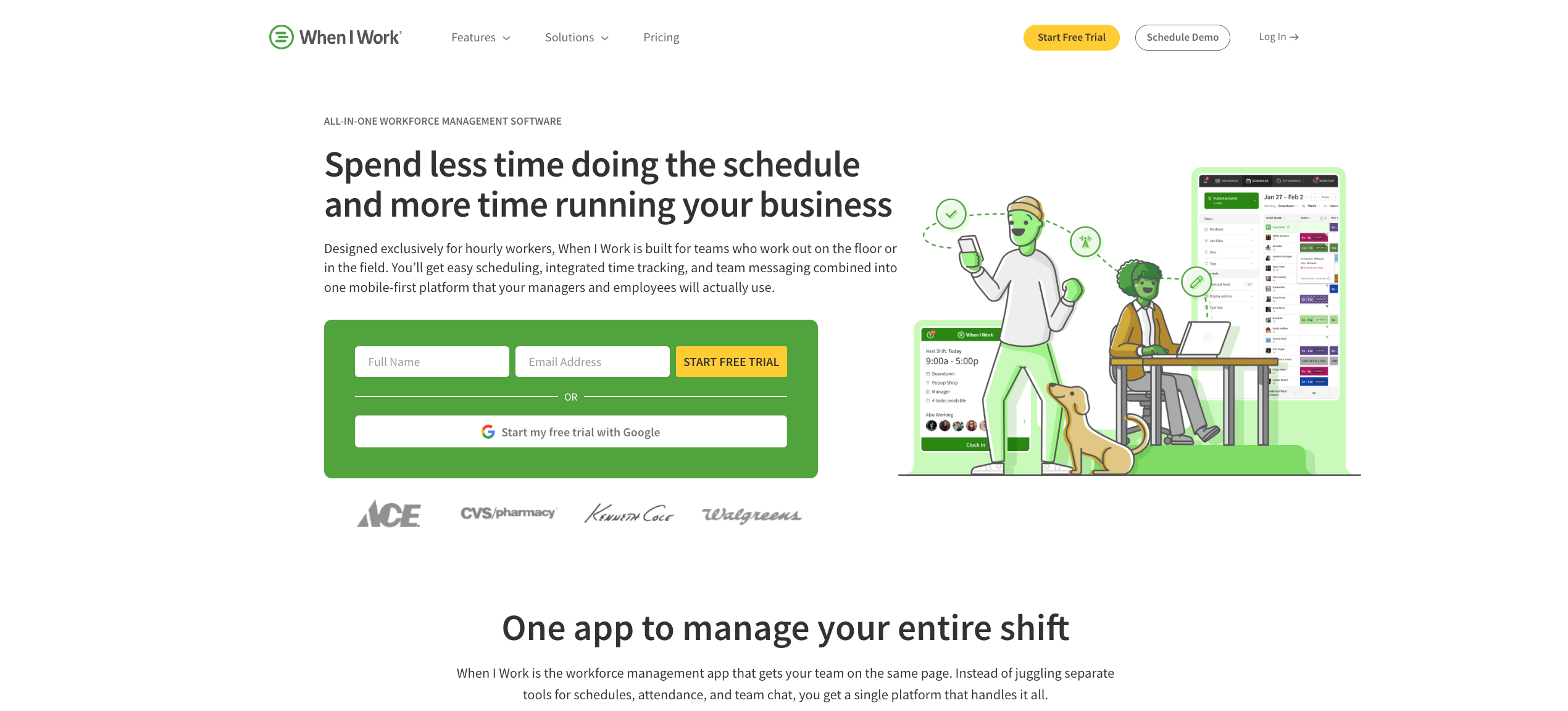
Best for: Small to mid-sized hourly teams prioritizing fast adoption and mobile-first scheduling simplicity
When I Work’s AI value shows up differently from the platforms above. It’s not trying to deliver enterprise demand forecasting. It’s trying to make scheduling fast, reliable, and frictionless enough that managers actually use it consistently and workers actually adopt it without training. In 2026, that’s a genuine competitive advantage at small-to-mid scale.
What it offers:
- Auto-scheduling that matches shifts to workers based on eligibility, availability, and preferences with zero conflicts
- Labor cost projections visible in real time while building schedules
- Multi-location management with site-specific permissions and filtered schedule views
- Instant push notifications for schedule changes, open shifts, and swap approvals
- Shift confirmations so managers know workers have acknowledged their schedule before the week starts
- Integrations with QuickBooks, Gusto, ADP, Square, Paychex, and Xero
Considerations:
When I Work doesn’t offer live GPS location tracking, which limits real-time visibility for operations where workers move between sites. For teams that also need demand-based AI forecasting, contingent workforce management, or advanced labor cost modeling, the platform’s AI depth doesn’t extend that far. It’s scheduling-first, and everything else is supplementary.
6. Homebase
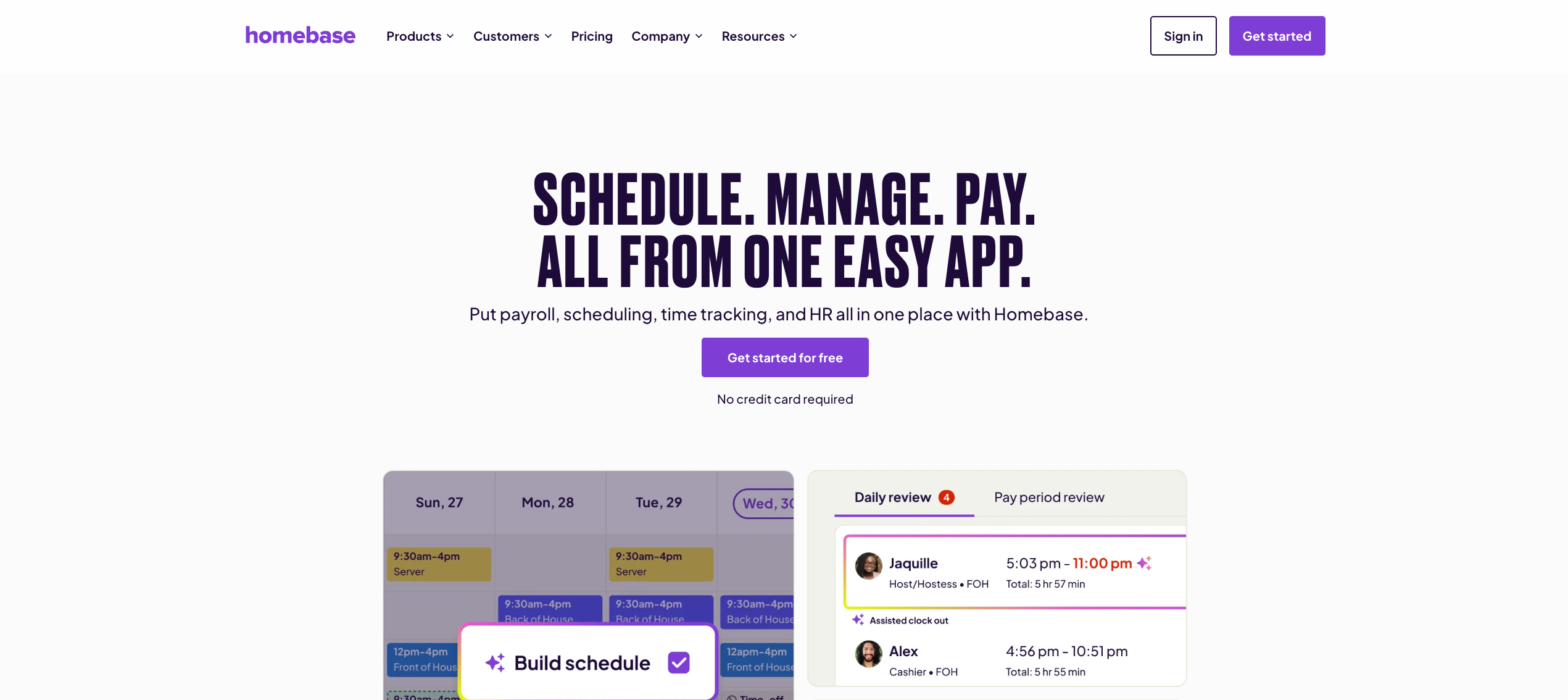
Best for: Small hourly businesses in restaurants, retail, and service that want AI scheduling without enterprise complexity
Homebase introduced its AI Scheduling Assistant specifically to reduce what it calls the “manager tax”: the hours spent every week building schedules, filling shifts, and dealing with last-minute changes. Its AI suggests optimal shifts based on team availability and labor forecasts, with the explicit goal of getting managers their time back rather than delivering enterprise-grade optimization.
What it offers:
- AI-powered scheduling that suggests optimal shifts based on availability and labor demand forecasts
- Automated conflict resolution that flags scheduling errors before publishing
- Built-in labor law compliance alerts for overtime and break requirements
- Integrated time clock with GPS verification connected to scheduling data
- PTO management and leave tracking connected directly to schedule availability
- Payroll add-on that runs directly from timesheets with automated wage calculations
Considerations:
Homebase’s per-location pricing model becomes a real cost concern as multi-location operations scale. Payroll remains an add-on even on the highest-tier plans. For operations managing contingent staff, high-volume event scheduling, or AI demand forecasting tied to revenue data, the platform’s scope is designed for smaller, simpler operations.
7. Deputy + 7shifts (Honorable Mentions by Industry)
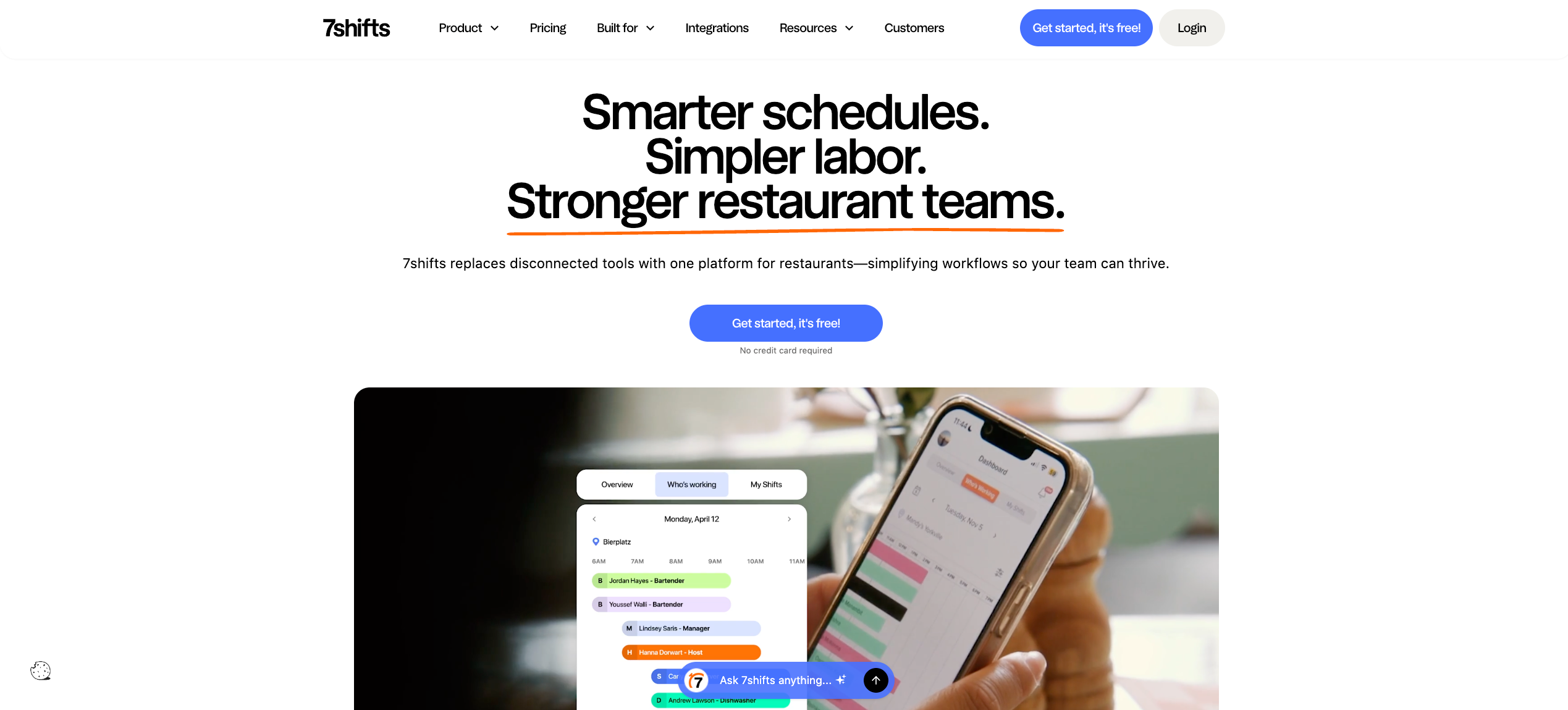
For restaurant groups specifically, 7shifts delivers AI-powered labor forecasting tied directly to POS sales data, with demand-based scheduling that adjusts automatically as revenue projections change. It’s the strongest industry-specific AI scheduling option for multi-location food and beverage operations.
For multi-location hospitality and retail, Deputy remains the strongest general-purpose alternative to Nowsta for teams that need AI scheduling, compliance automation, and mobile-first attendance in one platform.
For a broader look at how scheduling tools compare to full workforce orchestration platforms, see our guide on scheduling software vs. workforce orchestration.
AI Features That Actually Move the Needle
Not every feature in an AI scheduler earns its place. Hourly operations have a specific set of problems, and the AI features worth paying for are the ones that solve those problems directly. Here’s what separates the features that transform operations from the ones that just look impressive in a demo.
Demand-Based Auto Scheduling
The most valuable AI feature for shift-based teams isn’t a drag-and-drop builder or a smarter to-do list. It’s the ability to auto-schedule tasks based on actual demand signals, not manager guesswork.
A genuine AI scheduler analyzes calendar data, historical shift performance, seasonal patterns, and real-time business signals to predict how many workers you need per role, per location, per hour. It then generates a daily schedule automatically without requiring a manager to manually plan tasks or fill each slot.
What this looks like in practice:
- The AI reviews 90 days of operational data and surfaces staffing patterns managers haven’t noticed
- It builds a complete schedule from scratch, matching all your tasks and role requirements simultaneously
- Managers review and approve. The AI executes. Not the other way around
Conflict Detection Before Publishing
Scheduling conflicts are expensive to fix after a schedule is live. The right AI-powered tools flag them before the schedule is published, automatically, without a manager having to manually review every row.
Scheduling logic that catches conflicts proactively includes:
- Overlapping shifts for the same worker
- Overtime threshold breaches before they’re locked in
- Certification or role mismatches on critical tasks
- Rest period violations between back-to-back shifts
- Workers scheduled during approved time off
The best AI scheduling assistants don’t just flag conflicts. They automatically reschedule tasks and suggest alternatives in the same step, so fixing a problem doesn’t create three more.
Open Shift Broadcasting and Gap Response
When a worker calls out, the old process is a phone chain. The right AI scheduling app eliminates that entirely. The moment a gap appears, the AI identifies best-fit workers based on availability, role, and hours worked that week, then broadcasts the open shift to qualified workers automatically.
No back and forth. No manual outreach. No manager spending 20 minutes finding a replacement while a shift starts in an hour.
Schedule-to-Payroll Integration
An AI scheduler that optimize schedules but doesn’t connect to time tracking and payroll creates a new manual step downstream. The AI features that genuinely reduce administrative overhead are the ones where scheduling tasks flow directly into time tracking, and clocked hours flow directly into payroll, with no export or re-entry required.
This is where many AI tools fall short. They’re excellent at task scheduling and coverage optimization, but the handoff to payroll still requires a human. The best platforms close that loop natively.
Employee Self-Service at the Shift Level
Assign tasks to individual shifts, give workers the ability to claim open shifts, swap with colleagues, and submit time-off requests through a user-friendly mobile app, and the inbound manager’s workload drops significantly.
Tasks alongside shift details, available directly in the worker’s pocket, means fewer missed shifts, fewer confused workers, and less manager time spent answering questions that the app should be answering.
The Non-Negotiable Feature Checklist
| Feature | What It Replaces |
|---|---|
| Demand-based auto scheduling | Manager estimating staffing from memory |
| Pre-publish conflict detection | Manual schedule review row by row |
| Open shift broadcasting | Phone chains and group texts |
| Automatically reschedule tasks planned on callout | 20-minute replacement search |
| Schedule-to-payroll integration | Manual timesheet export every pay cycle |
| Employee self-service | Manager fielding swap and availability requests |
| Real-time labor cost modeling | Post-shift payroll surprise |
How to Evaluate AI Depth Before You Commit
Every platform claims AI in 2026. The evaluation question isn’t “does it have AI?” It’s “how many actions can the AI actually execute, versus how many does it just recommend?”
That distinction determines whether you’re getting a genuinely different operating model or a better-looking interface over the same manual process.
Ask: Does It Execute or Just Suggest?
The clearest test of AI scheduler depth is whether the AI takes action or just makes recommendations that a manager then has to manually apply one by one.
Best AI scheduling assistants execute. They generate the schedule, broadcast the open shift, flag the conflict, and process the time-off request. They propose and wait for confirmation before going live, but the scheduling logic runs autonomously.
Lower-tier platforms suggest. They surface a recommendation and wait for the manager to click through it manually. That’s faster than starting from scratch, but it’s not a fundamentally different workflow.
The test question to ask every vendor: “If I say approve all time-off requests next month that don’t conflict with minimum coverage, what does the AI actually do?”
The right answer: it cross-references all your tasks and coverage rules, processes compliant requests automatically, flags the conflicts for manager review, and shows exactly what it did. That’s execution. Anything less is a task list with a better UI.
Evaluate Integration Depth, Not Just Integration Count
A long integration list doesn’t mean deep integration. Google Calendar sync and payroll integration are meaningfully different capabilities. The former syncs team calendars. The latter eliminates a manual payroll reconciliation process that happens 52 times a year.
For hourly operations, the integrations that matter are:
- Payroll: Does scheduling data flow natively, or does someone export a file?
- Time tracking: Do clocked hours sync in real time with the schedule, or on a batch basis?
- HR systems: Do availability updates and time-off approvals flow from HR into the AI scheduler automatically?
Multiple calendars and major calendar platforms like Google Calendar are useful for knowledge worker scheduling meetings and calendar management. For hourly operations, payroll and compliance integration depth matters far more than calendar apps compatibility.
Trial the AI Under Real Conditions
Most platforms offer a free plan or trial period. Use it properly. The demo shows the AI at its best. The trial shows it under your actual conditions.
During any evaluation period of a few weeks:
- Test whether paid plans unlock the AI features that actually matter, or whether the free plan gives you enough to evaluate depth meaningfully
- Have a manager build a full week’s schedule from scratch using only the AI, with no manual override, and measure how accurate the result is
- Simulate a callout and time how long it takes the AI to identify and notify a qualified replacement
- Check whether scheduling conflicts are caught before or after you try to publish
- Verify that recurring tasks and reusable shift templates carry over correctly without manual rebuilding
Paid plans start at different capability tiers across platforms. Confirm which AI features require higher-paid plans before you evaluate, so you’re not testing a capped version of the tool’s actual capabilities.
Compare Scheduling Logic Depth by Use Case
Different operations need different AI depth. Map your use case before shortlisting:
| Operation Type | AI Priority | Platform Signal |
|---|---|---|
| Single-location, small team | Fast schedule creation, mobile adoption | Free plan or low-cost entry tier |
| Multi-location, hourly | Demand forecasting, conflict detection, compliance | Mid-tier with multi-location support |
| Event-based, high-volume | Contingent workforce management, vendor coordination | Enterprise WFM platform |
| Restaurant/QSR | POS-connected demand forecasting, tip tracking | Industry-specific AI scheduling |
Task management complexity also varies by operation. Some teams need task scheduling tied to individual shifts. Others just need shifts filled. Match the AI depth to what you’ll actually use.
Read more: Automated scheduling for event operations
What Genuine AI Scheduling Looks Like in Practice
Features and evaluation frameworks are useful starting points. The clearest picture of what AI scheduling actually delivers comes from operations that have run the before-and-after. These aren’t projections. They’re documented operational results.
66% Faster Scheduling, Same Staff
Footers Catering was building complex event schedules manually, investing significant manager time every week in a process that was both time-consuming and prone to last-minute corrections. Every schedule required manual cross-referencing of availability, roles, and event requirements, a process that created scheduling conflicts and consumed manager focus time that should have gone elsewhere.
After switching to AI-powered scheduling, they cut their scheduling time by 66%. The same coverage that used to take the better part of a morning now gets done before the first coffee. Task managers recovered hours every week for higher-value work.
“When I first saw Nowsta, I thought, ‘Wow, this is lightyears ahead of what we’re doing now.'” —Sam Totten, Head of Operations, Footers
Read the full story
500+ Hours Recovered Per Year
Continental Services was managing scheduling, time tracking, and payroll across disconnected systems. Every pay cycle required manual reconciliation between tools. Every schedule change required follow-up to confirm coverage. The admin tasks involved in keeping three systems aligned were consuming hours that should have been going into operations.
After consolidating onto a single AI-powered platform, payroll processing time dropped by 90%, and the team recovered over 500 hours per year. Hours that previously went into calendar management and manual task scheduling between systems now go back into the operation itself.
“Having scheduling, time tracking, and payroll under one system has been a game changer for Continental.” —Hannah Bailey, Staffing Strategist, Continental Services
Read the full story
6 Hours Back Every Week
Simply Fresh Events was spending six hours a week on scheduling and payroll coordination, managing scheduling tasks manually across tools that didn’t communicate with each other. Back and forth between systems created errors, and fixing those errors created more admin tasks on top of an already heavy operational workload.
After switching, those six hours came back every single week. More than 300 hours recovered per year, from one operational change.
“Payroll day used to be an absolute pain in the neck for me before Nowsta.” —Math Pelan, President and Founder, Simply Fresh Events
Read the full story
Nationwide Scale Without the Chaos
OTH Company needed to automate scheduling across large-scale events nationwide, with hundreds of workers, multiple vendors, and complex shift structures across different markets. Managing that volume manually meant scheduling logic breaking down every time a new market was added.
With AI-powered scheduling and vendor management connected in one platform, they scaled operations nationally without losing control of coverage, compliance, or cost visibility.
The Pattern Behind Every Result
Every one of these outcomes starts from the same root cause: manual scheduling tasks, disconnected systems, and admin tasks that consumed manager time without producing better schedules.
The moment those teams moved to a platform where the AI handled auto-scheduling tasks, compliance enforcement, and payroll integration as a single connected workflow, the operational math changed completely. Managers stopped spending their focus time on calendar management and started spending it on the work that actually requires human judgment.
That’s what the best AI scheduling tool actually delivers: not a better interface over the same process, but a fundamentally different operating model where the machine handles the data-intensive work and the manager handles everything the machine can’t.
Read more: How AI is changing labor forecasting and scheduling
Stop Scheduling Manually: Let Nowsta’s AI Do It
AI scheduling for hourly teams isn’t a future investment. It’s the operational standard that separates teams running smoothly from ones constantly firefighting coverage gaps, overtime surprises, and payroll corrections. The difference between basic automation and genuine AI scheduling is measurable in hours recovered every single week.
Key takeaways:
- “AI-powered” is on every vendor’s homepage; most of it is just smarter automation
- Real AI auto-scheduling tasks based on demand forecasting, not manager estimates
- Pre-publish conflict detection eliminates the most expensive scheduling mistakes
- Open shift broadcasting replaces phone chains with automated best-fit matching
- Integration depth between scheduling, uninterrupted focus, time tracking, and payroll is what determines real ROI
- Operations using genuine AI scheduling recover 6 to 500-plus hours per year in documented results
For hourly and shift-based teams, Nowsta delivers AI scheduling that connects demand forecasting, compliance enforcement, and payroll in one purpose-built platform. No disconnected other tools, no manual exports, no scheduling chaos. Schedule a demo and see what genuine AI scheduling looks like for your operation.
FAQs
What Is the Best AI Scheduling Software for Hourly Teams?
For hourly and shift-based operations, Nowsta leads with demand-based AI scheduling, pre-publish compliance enforcement, and native payroll integration. For project management and knowledge workers needing time blocking and focus time protection, Reclaim and Motion are the best AI calendar options. Match the tool category to your workforce type before evaluating features.
How Does AI Scheduling Differ From a Human Assistant?
A human assistant handles context, relationships, and nuanced judgment. An AI assistant handles volume: it can add tasks, categorize tasks by role and location, fill time slots, process dozens of time-off requests simultaneously, and automatically reschedule tasks when conflicts arise, all faster than any human scheduler could manage at scale.
Can AI Scheduling Tools Handle Multiple Time Zones?
Yes. Most enterprise AI scheduling platforms manage time zones automatically, adjusting shift assignments and team calendars based on each worker’s location. For global knowledge worker teams using project management apps like Asana or ClickUp with task integration, tools like Reclaim also sync multiple calendars across time zones without manual adjustment.
What’s the Difference Between AI Scheduling and Project Management Tools?
Project management tools like Asana, Monday, and ClickUp manage projects, assign tasks, and track task duration across teams. They’re built for deadline-driven work. AI scheduling software for hourly teams is built for shift coverage, compliance, and labor cost control. Some project management apps include basic scheduling, but they don’t optimize schedules for frontline operations.
Do AI Scheduling Apps Replace Booking Links and Sales Scheduling Tools?
No. Booking links and sales-focused scheduling tools like Calendly handle external appointment coordination. AI scheduling software for hourly teams handles internal shift coverage, workforce demand forecasting, and labor compliance. They solve different problems. Desktop apps like Motion or Reclaim add focus mode and protect focus time for knowledge workers, but don’t serve frontline hourly operations at all.