If your labor budget keeps getting blown, the schedule isn’t the problem. The forecast is.
Most operations build schedules based on gut feel, last week’s numbers, or a manager’s best guess about what Saturday is going to look like. That’s not forecasting. That’s hoping. Organizations implementing workforce management software with labor forecasting report average labor cost savings of 7% and productivity increases of 68% following implementation, and those gains come specifically from replacing reactive scheduling with data-driven demand prediction.
The right labor forecasting software doesn’t just tell you what happened. It tells you what’s coming, with enough lead time to actually do something about it.
Here’s what this guide covers:
- Why labor forecasting breaks down for hourly operations and how to fix it
- The best labor forecasting software, ranked and reviewed
- Must-have features that separate accurate forecasting from expensive guesswork
- How to evaluate a platform before committing
One platform built specifically for this: Nowsta connects AI-powered demand forecasting directly to scheduling, time tracking, and payroll for hourly and shift-based teams. The forecast doesn’t sit in a separate dashboard. It drives the schedule automatically.
TL;DR: Quick Comparison of Best Labor Forecasting Software
| Capability | Nowsta | Legion | Workforce.com | UKG Pro | Deputy | 7shifts | Homebase | Quinyx |
|---|---|---|---|---|---|---|---|---|
| AI Demand Forecasting | ✅ Advanced | ✅ Deep learning | ✅ Advanced | ✅ Advanced | ✅ AI-assisted | ✅ POS-based | ⚠️ Basic | ✅ Advanced |
| Multi-Variable Inputs | ✅ Historical, events, patterns | ✅ Sales, weather, events, promotions | ✅ Sales, weather, foot traffic | ✅ Sales, trends, external variables | ✅ Sales, weather, demand trends | ✅ POS, weather, local events | ⚠️ POS and basic history | ✅ Sales, foot traffic, events |
| Forecast-to-Schedule Integration | ✅ Automatic, native | ✅ Automatic | ✅ Automatic, native | ✅ Automatic | ✅ Auto-generates | ✅ Auto-generates | ⚠️ Assisted | ✅ Automatic |
| Real-Time Labor Cost Visibility | ✅ During scheduling | ⚠️ Post-schedule reporting | ✅ Live during scheduling | ✅ Pre-payroll alerts | ✅ During scheduling | ✅ Labor-as-% of revenue | ⚠️ Basic cost tracking | ✅ During scheduling |
| Native Payroll Integration | ✅ Direct sync | ⚠️ Via integration | ✅ Native | ✅ Native | ⚠️ Via integration | ⚠️ Via integration | ⚠️ Add-on | ⚠️ Via integration |
| Compliance Management Built In | ✅ Automated, pre-publish | ✅ Automated | ✅ Fair Workweek + overtime | ✅ Multi-jurisdiction | ✅ Fair Workweek | ✅ Overtime + break rules | ⚠️ Basic alerts | ✅ Strong EU compliance |
| Contingent Workforce Forecasting | ✅ Full vendor + agency mgmt | ❌ Not supported | ❌ Limited | ⚠️ Partial | ❌ Limited | ❌ Not supported | ❌ Not supported | ❌ Limited |
| POS Integration for Demand Data | ✅ Connected | ✅ Extensive | ✅ Multiple providers | ✅ Multiple providers | ✅ Multiple providers | ✅ Deep POS integration | ✅ POS-connected | ✅ Multiple providers |
| Scenario Modeling | ✅ Smart labor budgeting | ✅ Advanced what-if | ✅ Staffing ratio modeling | ✅ Advanced what-if | ⚠️ Basic | ⚠️ Basic | ❌ Limited | ✅ Scenario planning |
| Customizable Dashboards | ✅ Full | ✅ Full | ✅ Full | ✅ 150+ prebuilt + custom | ✅ Real-time dashboards | ✅ Labor cost dashboards | ⚠️ Basic reporting | ✅ Full |
| Mobile Access | ✅ Mobile-first | ✅ Full mobile | ✅ Mobile app | ✅ Full mobile | ✅ Mobile-first | ✅ Mobile app | ✅ Mobile app | ✅ Mobile app |
| Multi-Location Forecasting | ✅ Full centralized view | ✅ Enterprise multi-site | ✅ Full multi-location | ✅ Enterprise multi-site | ✅ Full multi-location | ✅ Multi-location | ⚠️ Per location | ✅ Enterprise multi-site |
| Forecast Accuracy Claims | ✅ 30% overstaffing reduction | ✅ Up to 99% accuracy | ✅ Demand-matched scheduling | ✅ AI-driven precision | ✅ Demand-optimized | ✅ Sales-correlated | ⚠️ Not specified | ✅ Up to 97% precision |
| Implementation Complexity | ✅ Low to moderate | ⚠️ High enterprise overhead | ⚠️ Moderate | ⚠️ High enterprise overhead | ✅ Low | ✅ Low | ✅ Very low | ⚠️ Moderate to high |
| Best Fit | Hourly, shift-based, and contingent workforces | Large retail, hospitality, healthcare enterprise | Mid-to-large hourly operations, scheduling-to-payroll continuity | Large enterprise, complex compliance | Multi-location shift businesses | Restaurant and food service groups | Small hourly SMBs | European retail and hospitality enterprise |
Why Labor Forecasting Breaks for Hourly Teams
Labor forecasting sounds straightforward: predict how many workers you need, schedule accordingly, and control costs. The problem is that most operations are forecasting with the wrong inputs, the wrong tools, or both.
The Three Ways Forecasting Fails
- Historical data without real-time signals: Last week’s numbers don’t account for this Saturday’s local event, the weather forecast, or the fact that a competitor just closed nearby. Relying on gut feelings rather than data leads to understaffing during unexpected surges or overstaffing on slow days, inflating costs. True forecasting requires live demand signals alongside historical patterns, not just one or the other.
- Forecasting disconnected from scheduling: The most common failure: the forecast lives in a spreadsheet or a separate analytics tool, and the schedule gets built somewhere else entirely. Nothing connects them. A manager produces a demand estimate on Monday and then builds the roster from memory on Tuesday. The forecast becomes a reference document nobody uses in real time.
- Siloed data across departments: One common mistake in labor forecasting is relying too heavily on historical data without considering upcoming changes, such as new regulations, technological shifts, or market disruptions. When sales, operations, and HR aren’t working from the same data, the forecast reflects one team’s assumptions, not the full operational picture.
What the Fix Actually Looks Like
| Problem | Root Cause | Solution |
|---|---|---|
| Constant overstaffing | Forecasting from averages, not demand signals | AI models using POS, events, and weather data |
| Surprise overtime | Forecast not connected to scheduling | Real-time labor cost visibility during scheduling |
| Coverage gaps at peak times | Static weekly forecasts | Shift-level demand forecasting updated continuously |
| Disconnected payroll | No link between forecast and actual hours | Scheduling-to-payroll native integration |
The fix isn’t a better spreadsheet. It’s a platform where the forecast drives the schedule automatically, updating in real time as demand signals change.
That’s the architecture platforms like Nowsta are built around: AI-powered demand forecasting that connects directly to scheduling, so the gap between “what we predicted” and “what we scheduled” closes before a single shift is published.
Best Labor Forecasting Software, Ranked
The ranking below focuses on one specific lens: how well does each platform’s forecasting connect to the actual schedule? A labor forecast that lives in a separate dashboard from the scheduling tool is half a solution. The platforms that earn the top spots are the ones where the forecast drives the schedule automatically, in real time, without a manual export or re-entry step in between.
1. Nowsta
Best for: Hourly, shift-based, and contingent workforces where demand forecasting connects directly to scheduling and payroll
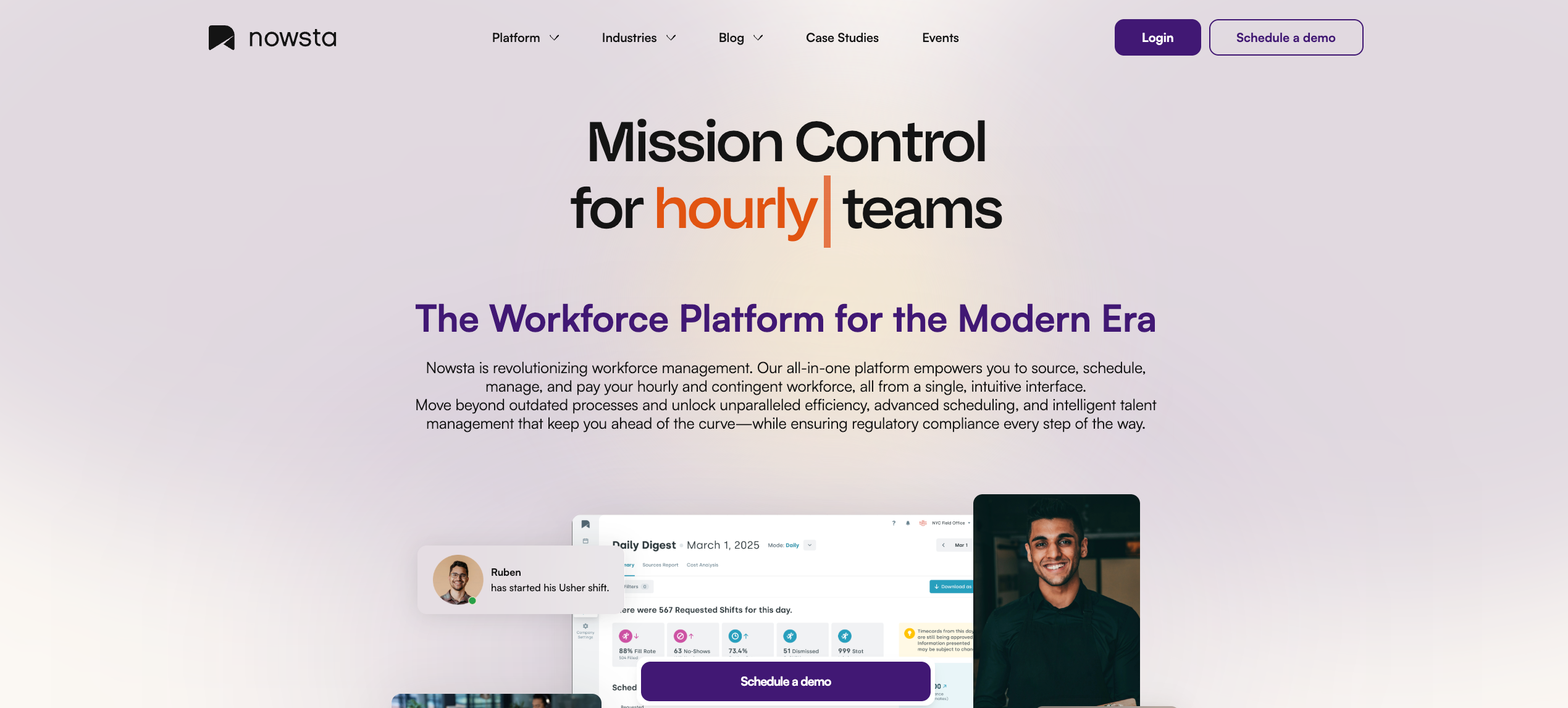
Most labor forecasting tools tell you what you’ll need. Nowsta goes a step further and builds the schedule around it. The AI analyzes historical shift data, demand patterns, event calendars, and location-specific trends to predict staffing needs, then uses that forecast to generate optimized schedules automatically. The forecast and the schedule are the same workflow, not two separate steps connected by a spreadsheet.
For operations managing contingent workers alongside direct hires, that integrated approach is the only one that actually works. Agency staff, flex workers, and full-time employees all appear in the same forecast view, with the same demand logic driving coverage decisions for all of them.
What Nowsta’s forecasting delivers:
- AI-powered demand forecasting that analyzes historical scheduling data, seasonal patterns, and event-specific variables to predict shift-level staffing needs
- Automatic schedule generation based on forecasted demand, matching workers by role, availability, certifications, and labor cost targets simultaneously
- Real-time budget alerts triggered during scheduling when forecasted labor spend is trending over target, so corrections happen before shifts are published
- Smart labor budgeting tools that model cost impact across scenarios before committing to a staffing plan
- Vendor and agency workforce integrated into the same forecast, so contingent headcount is part of the plan, not an afterthought added later
- 30% reduction in overstaffing through demand-aligned scheduling, and up to 80% less time building schedules once forecasting drives the process
The result: forecasting that doesn’t just inform the schedule. It produces the schedule, with compliance and payroll connected downstream, so nothing needs to be reconciled manually.
Customer Spotlight
One World Catering was rebuilding their schedule from scratch every week, with no reliable way to predict how many workers each event actually required. After switching to Nowsta, their scheduling process became demand-driven, and they recovered over 300 hours per year in manager time.
Read the full story
See Nowsta’s demand forecasting in action
2. Legion
Best for: Large retail, hospitality, and healthcare operations needing enterprise-grade AI demand forecasting
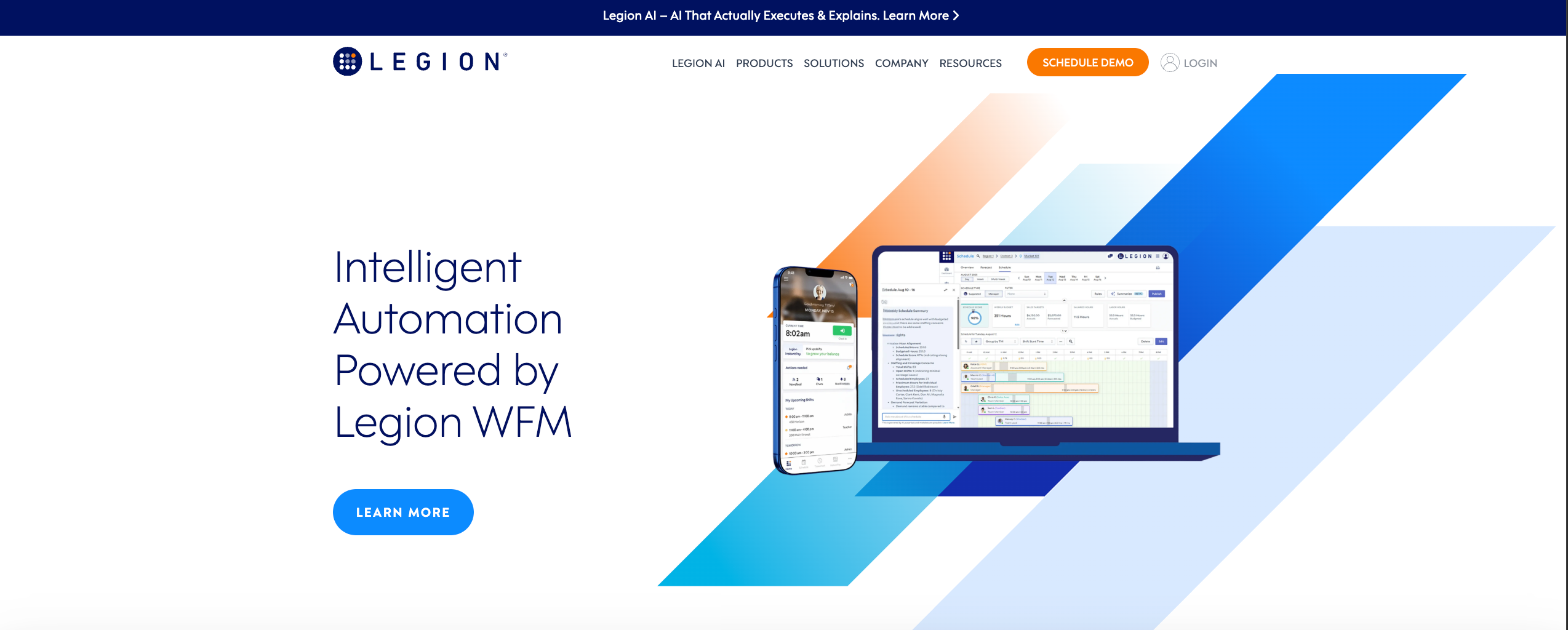
Legion is one of the most AI-intensive labor forecasting platforms on the market. Its forecasting engine uses deep learning and machine learning across multiple variable inputs, including sales history, weather patterns, promotional calendars, and local events, generating shift-level staffing predictions with up to 99% accuracy claims at scale.
What it offers:
- Deep reinforcement learning forecasting engine that continuously refines predictions based on incoming operational data
- Multi-variable demand inputs, including POS data, weather, events, promotions, and foot traffic patterns
- Automated shift bidding that allows employees to select shifts based on forecasted demand, improving fill rates while respecting compliance rules
- Real-time schedule adjustments that respond to live demand signals as the day progresses
- Extensive POS, HRIS, and time tracking integrations for unified data flow into the forecasting engine
- Scenario planning tools for modeling different staffing approaches against projected demand
Considerations:
Legion is enterprise-built and enterprise-priced. Its implementation complexity and cost structure make it inaccessible for mid-sized operations. The platform is also primarily optimized for direct-hire retail and hospitality workforces. For operations managing contingent staff, vendor relationships, or high-volume event-based staffing, Legion’s native capability doesn’t extend that far.
For operations that need the same forecasting intelligence with full contingent workforce management and significantly lower implementation overhead, Nowsta is the purpose-built alternative.
3. Workforce.com
Best for: Mid-to-large hourly operations where forecasting and payroll need to operate as one connected system
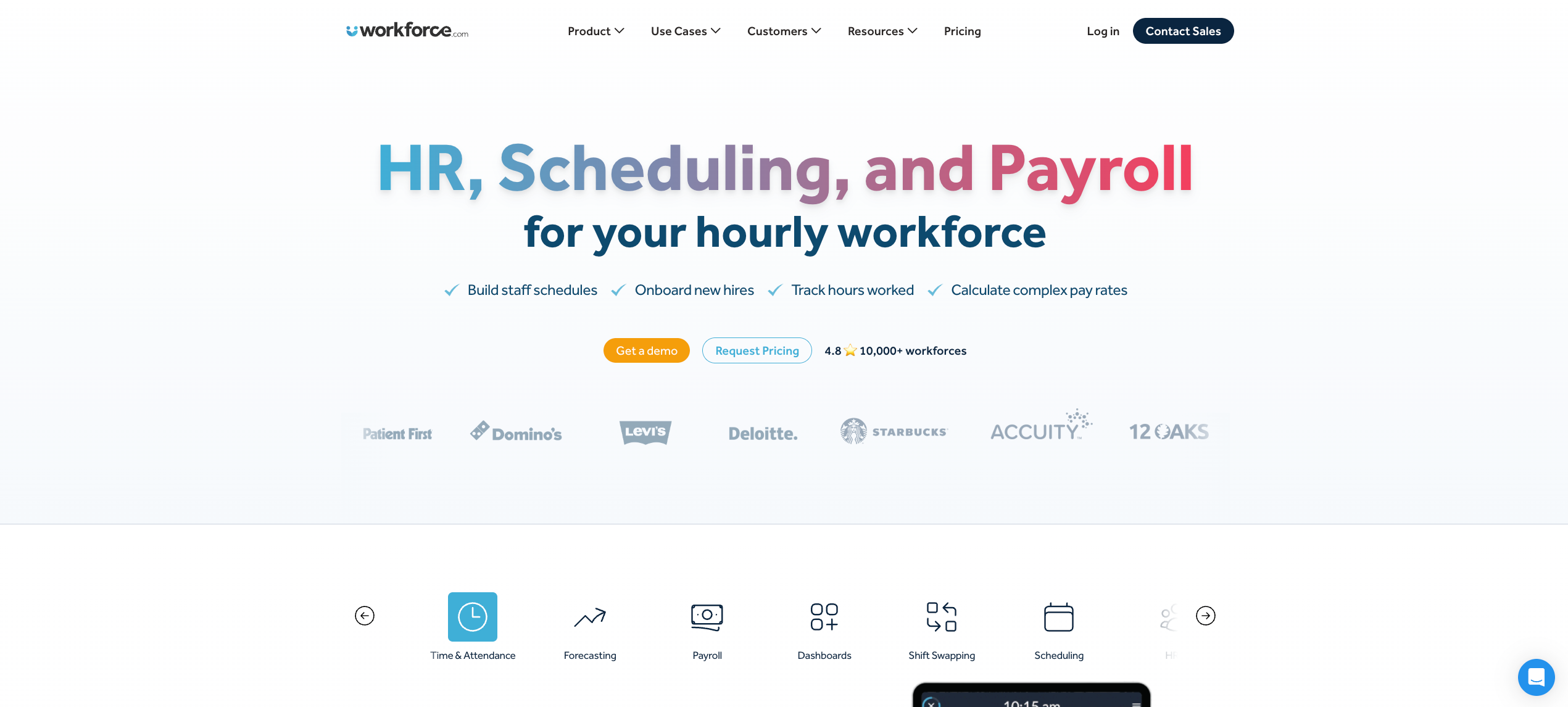
Workforce.com takes a specific architectural position that’s worth understanding before evaluating it: the forecast, the schedule, and the payroll are intentionally designed as a single workflow. Managers don’t export a forecast and build a schedule separately. The demand prediction generates the schedule, and the clocked hours from that schedule flow directly into payroll.
What it offers:
- AI-driven labor forecasting using historical sales data, foot traffic, weather, and seasonal patterns to generate demand predictions up to four weeks out
- Automatic schedule generation from the forecast, with staffing ratios enforced to ensure the roster matches the demand model
- Real-time overtime flagging as schedules are built against the forecast, so managers can address budget risks before they’re locked in
- Live tracking reports that show whether managers are following the forecast and staying within the labor budget during the shift
- POS integration with major providers so sales-based forecasting uses actual transaction data, not estimates
- Fair Workweek compliance enforcement baked into the forecasting-to-scheduling workflow
Considerations:
Workforce.com’s forecasting strength is its tight payroll integration, which eliminates the manual reconciliation step that most platforms leave in place. For operations managing a mixed direct-hire and contingent workforce, vendor invoicing, or agency performance tracking, the platform’s scope is narrower. Its forecasting is purpose-built for direct-hire hourly operations in retail, hospitality, and healthcare.
4. UKG Pro Workforce Management
Best for: Large enterprises with complex compliance environments needing deep AI forecasting across multiple jurisdictions
UKG Pro’s labor forecasting is genuinely enterprise-grade: AI and machine learning applied to historical trends, sales data, and external variables like weather and local events, configurable at the location, department, and role level across multi-jurisdiction operations.
What it offers:
- AI-powered predictive forecasting that analyzes demand across multiple variable inputs and generates shift-level staffing recommendations
- Configurable forecasting models by location, department, and role with jurisdiction-specific compliance rules applied during schedule generation
- Real-time payroll alerts that flag anomalies between forecasted and actual hours before payroll runs
- Over 150 prebuilt workforce analytics reports for labor cost, overtime trends, and coverage pattern analysis
- Dynamic schedule optimization that adjusts recommendations as demand conditions change
- Full HCM suite integration so forecasting connects to talent management, performance data, and benefits administration
Considerations:
UKG Pro’s forecasting depth comes with significant implementation overhead, a long configuration timeline, and an enterprise price point that puts it out of reach for most mid-sized shift-based operations.
The interface can feel complex for frontline managers who need to move fast. Contingent workforce management is partial at best. For operations that need enterprise forecasting precision without the enterprise implementation burden, there are more targeted alternatives.
5. Deputy
Best for: Multi-location shift businesses needing practical AI-assisted forecasting tied directly to scheduling
Deputy’s forecasting doesn’t try to be an enterprise demand modeling engine. It focuses on what shift-based managers actually need: a reliable prediction of how many workers are required per shift, derived from historical sales data and demand patterns, that generates a ready-to-publish schedule with minimal manager input.
What it offers:
- Labor forecasting using historical sales data, weather patterns, foot traffic, and demand trends to predict staffing requirements by location and shift
- AI-assisted schedule generation that converts the forecast into a staffed schedule, adjusting for employee availability, qualifications, and compliance rules
- Integration with major POS systems so forecasting uses actual transaction data rather than estimates
- Real-time labor cost visibility as schedules are built against the forecast, with overspend alerts triggered before publishing
- Automated fatigue and Fair Workweek compliance enforcement applied during the scheduling process
- Mobile-first manager and employee experience with live demand data accessible on the go
Considerations:
Deputy’s payroll integration relies on third-party connections rather than native sync for several major payroll providers, introducing reconciliation risk at higher volumes. Contingent workforce and vendor management capabilities are minimal. For operations managing agency staff alongside direct hires within the same forecast, the platform doesn’t provide a unified view.
6. 7shifts
Best for: Multi-location restaurant and food service groups needing POS-integrated sales-based labor forecasting
7shifts is purpose-built for the restaurant industry, and its labor forecasting reflects that focus. Its AI analyzes historical sales data directly from POS integrations, factors in weather and local events, and generates shift-level staffing recommendations that account for the specific rhythms of food and beverage demand.
What it offers:
- Sales-based labor forecasting powered by direct POS integration with Toast, Square, Lightspeed, Clover, and others
- AI demand predictions that factor in weather, local events, and seasonal patterns to adjust staffing recommendations automatically
- Forecasting dashboards showing predicted labor cost as a percentage of projected revenue, a metric that resonates directly with restaurant operators
- Automatic schedule generation from the forecast with role-based shift assignments and compliance rules applied
- Tip pooling management and split shift calculations integrated directly into the scheduling and payroll workflow
- Manager log tools that capture operational context alongside the forecast data for more accurate future predictions
Considerations:
7shifts is optimized for restaurants. Outside food and beverage, its industry-specific design becomes a limitation rather than an advantage. For operations managing event-based staffing, contingent workers, or non-restaurant hospitality alongside their core scheduling needs, the platform’s forecasting model is too narrowly scoped.
For catering and events operations that need restaurant-grade demand forecasting alongside contingent workforce management, Nowsta’s catering solution covers both in one platform.
7. Homebase
Best for: Small hourly businesses needing accessible demand-based scheduling without enterprise complexity
Homebase introduced AI-assisted labor forecasting specifically to reduce the manual burden on small-team managers: predicting demand, suggesting optimal shift coverage, and flagging overstaffing risks before the schedule goes live.
What it offers:
- AI-powered scheduling suggestions based on team availability, labor demand forecasts, and historical patterns
- POS integration for sales-based demand forecasting in retail and restaurant environments
- Labor cost visibility during scheduling with overtime alerts and budget tracking by location
- Automated conflict resolution that flags scheduling errors against the forecasted coverage requirements before publishing
- Free plan with core scheduling features for teams under 10 at a single location
- Payroll add-on that runs directly from forecasted and clocked hours for end-to-end processing
Considerations:
Homebase’s per-location pricing model becomes a meaningful cost concern as multi-location operations scale. Payroll remains an add-on even on premium plans. Advanced forecasting features, including deeper demand modeling and multi-location analytics, are gated behind higher tiers.
For operations with complex event-based demand, contingent workforce integration, or high-volume shift structures, the platform’s forecasting scope is designed for smaller, simpler operations.
8. Quinyx
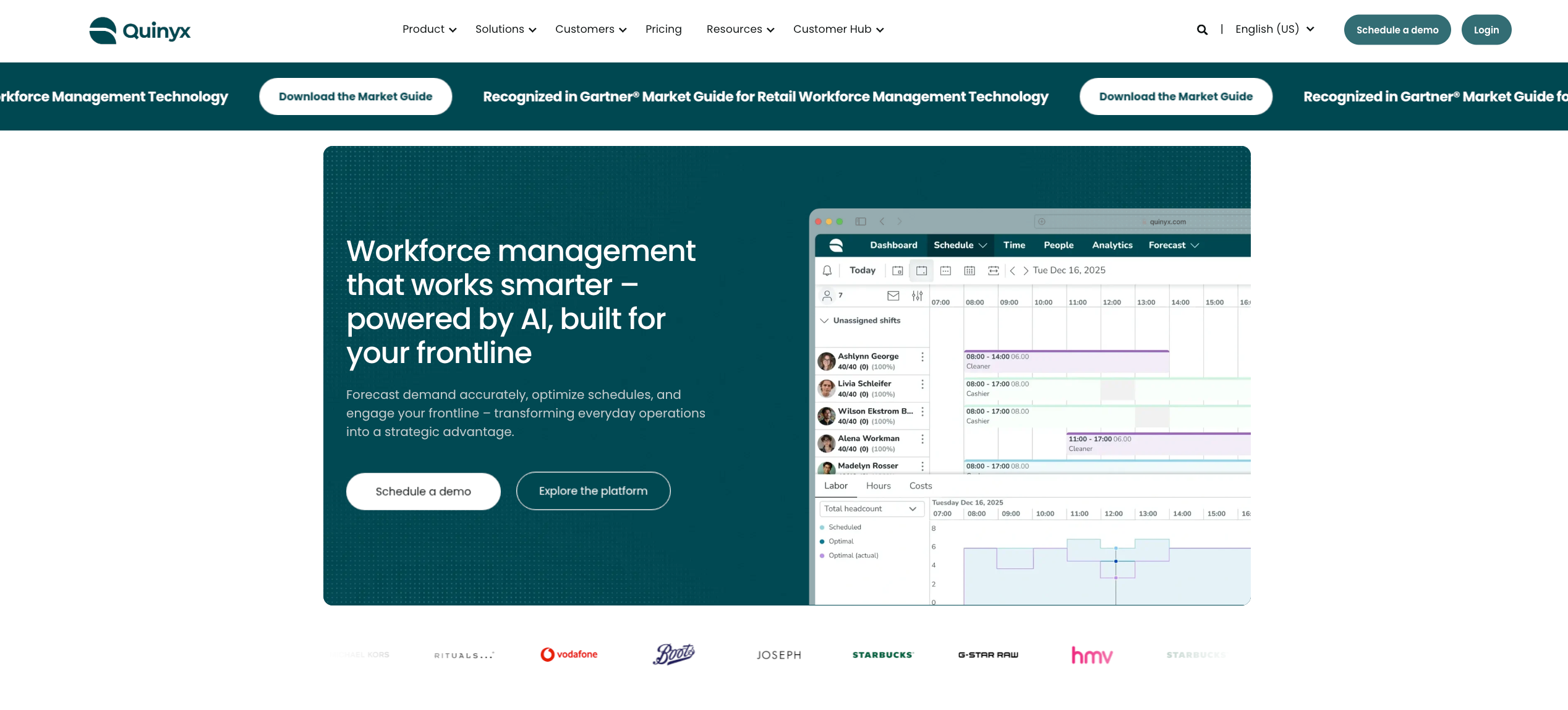
Best for: European and global retail and hospitality enterprises needing AI demand forecasting with strong labor law compliance
Quinyx is an AI-driven workforce management platform with particularly strong labor demand forecasting for multi-location retail and hospitality operations. Its forecasting engine factors in sales data, foot traffic, weather, and events to generate demand predictions, then applies local labor law compliance rules during schedule generation.
What it offers:
- AI forecasting engine that analyzes sales, foot traffic, weather, and event data to generate shift-level demand predictions
- Automatic schedule generation from forecasted demand, with compliance rules applied by jurisdiction
- Real-time demand tracking that compares actual versus forecasted performance during shifts for continuous model refinement
- Strong European labor law compliance, making it particularly suited for operations in markets with complex predictive scheduling and rest period requirements
- Integration with major POS, ERP, and HRIS systems for unified data flow into the forecasting model
- Employee self-service with mobile schedule access and shift swap capabilities tied directly to forecasted coverage requirements
Considerations:
Quinyx is built for European market compliance requirements first, and while it operates globally, its North American market presence and support infrastructure are less established than domestic alternatives. For U.S.-based operations, implementation support and local compliance configuration may require additional resources.
For a broader look at how labor forecasting connects to real-time workforce visibility and operational decision-making, see our guide on real-time workforce visibility for event businesses.
Features That Separate Accurate Forecasting From Guesswork
A lot of planning software claims to handle labor forecasting. The gap between platforms that deliver precise forecasts and ones that just repackage last week’s numbers as a prediction is significant, and it shows up in your labor costs every pay cycle.
Here’s what actually matters.
Multi-Variable Demand Inputs
Single-source forecasting, using only historical headcount data or last year’s schedule, produces static predictions that break the moment anything changes. Genuine predictive analytics pulls from multiple data streams simultaneously:
- POS and sales transaction data tied to customer demand signals
- Seasonal patterns and promotional calendars
- Weather, local events, and market trends that affect foot traffic
- Past data from equivalent periods across multiple years
- External data, like regional economic conditions or competitor activity
The more input variables the forecasting engine can process, the more accurately it predicts future demand and the staffing levels needed to meet it.
Forecast-to-Schedule Integration
A forecast that sits in a separate dashboard from the schedule isn’t driving the schedule. It’s informing a manager who then builds the schedule manually anyway.
The key features that separate real forecasting tools from expensive dashboards are:
- The forecast automatically generates a draft schedule without manager input
- Staffing ratios from the forecast are enforced during employee scheduling to prevent deviation
- Real-time alerts fire when the live schedule drifts from the forecasted labor model
- Unnecessary overtime costs are flagged during scheduling, not discovered at payroll
This integration is what eliminates the gap between what the forecast predicted and what the schedule actually produced.
Real-Time Labor Cost Visibility
Finance teams and operations leaders need to see labor cost impact before it happens, not after it’s been paid. A workforce planning tool with real-time cost visibility gives managers:
- Labor-as-percentage-of-revenue dashboards updated as schedules are built
- Budget versus actual tracking by location, role, and shift during live operations
- Overtime cost projections visible during scheduling, so resource allocation decisions happen before shifts are published
- Payroll data that reflects actual clocked hours against forecasted hours in a single view
Data driven decisions about staffing are only possible when cost data and demand data exist in the same interface at the same time.
Compliance Management Built Into the Forecast
Labor regulations and compliance management need to be part of the forecasting model, not an afterthought applied after the schedule is built. A forecast that produces a staffing plan that violates break rules, predictive scheduling laws, or overtime thresholds has failed before a single shift starts.
Compliance risks built into the forecasting layer include:
- Overtime thresholds applied to forecasted hours before shift assignment
- Break requirements factored into the staffing model by jurisdiction
- Advance schedule notice compliance enforced based on forecasted coverage windows
- Audit-ready records maintained for every forecast-driven schedule decision
Customizable Dashboards and Reporting
Workforce operations leaders, finance teams, and HR directors need different views of the same forecasting data. Customizable dashboards that surface the right data for the right stakeholder save hours of manual reporting every week.
What good reporting looks like in a forecasting platform:
- Workforce productivity metrics broken down by location, role, and shift period
- Forecast accuracy tracking that compares predicted versus actual demand over time
- Labor cost variance reports that identify where manual processes are causing the forecast to drift
- Data driven insights on chronic overstaffing or understaffing patterns by location
Scheduling-to-Payroll Connection
Payroll systems that receive labor data from a separate forecasting tool introduce a reconciliation step that creates errors. Effective workforce management requires the forecasting model to connect natively to time tracking and payroll, so the entire process from demand prediction to paycheck operates without manual data transfer.
Streamlining hr processes through a connected forecasting and payroll workflow means:
- Forecasted hours and clocked hours reconcile automatically
- Payroll runs from verified time data, not manually exported schedules
- Hr processes like timesheet approval and payroll review happen inside the same platform as forecasting
Mobile Access for Managers and Workers
Mobile access isn’t a nice-to-have for shift-based operations. Managers need to adjust schedules against the forecast from the floor, not from a desktop. Workers need to see their assignments, claim open shifts, and track attendance from the same mobile interface.
A workforce planning tool without strong mobile access creates a dependency on desktop use during operations where decisions need to happen in real time.
The Feature Checklist at a Glance
| Feature | What It Prevents |
|---|---|
| Multi-variable demand inputs | Single-source forecast failures |
| Forecast-to-schedule integration | Manual drift between prediction and roster |
| Real-time labor cost visibility | Budget overruns discovered at payroll |
| Compliance management built in | Costly violations from non-compliant schedules |
| Customizable dashboards | Data buried in irrelevant reports |
| Payroll system integration | Manual reconciliation and payroll data errors |
| Mobile access | Desktop dependency during live operations |
How to Evaluate a Platform Before Committing
The evaluation process for planning software is where most organizations make their most expensive mistakes. They evaluate based on feature lists and demo quality rather than fit with their actual workforce operations. Here’s a framework that predicts whether a platform will actually deliver.
Start With Your Actual Forecasting Problem
Before evaluating any platform, write down specifically where your current forecasting process breaks. The answer shapes everything else.
Common failure points in workforce planning:
- Forecasts built from past data only, with no real-time demand signals
- The forecast lives in a spreadsheet that doesn’t connect to employee scheduling
- Future staffing predictions are accurate, but don’t prevent unnecessary overtime costs because no one enforces them during scheduling
- Finance teams and operations teams are working from different numbers because data lives in separate systems
A workforce planning tool that solves your specific failure point is worth more than one with a longer feature list that doesn’t address the root problem. Effective workforce management starts with an honest diagnosis of where the current process actually breaks, not a checklist comparison.
Evaluate the Forecast-to-Schedule Gap
This is the single most important evaluation criterion for shift-based operations. Ask every vendor directly:
- Does the forecast automatically generate a draft schedule, or does it produce recommendations a manager then implements manually?
- When the live schedule drifts from the forecasted staffing model, does the system alert the manager in real time or flag it after the shift?
- Can staffing ratios from the forecast enforce minimum and maximum coverage levels during employee scheduling, or is that a manual check?
- How does the platform handle future demand predictions when historical data is incomplete, such as for a new location or a new event type?
If any of those answers involve manual steps, that’s the gap where labor cost overruns will live in your operation.
Test Integration Depth Before You Commit
A cloud-based platform claiming integration with your payroll systems doesn’t tell you how deep that integration actually goes. Surface-level integrations that export data on a batch schedule are meaningfully different from native, real-time connections that eliminate manual processes entirely.
During any evaluation or pilot period, test specifically:
- Does payroll data sync from clocked hours automatically, or does someone export a file each pay cycle?
- Do changes to the live schedule update the forecast comparison in real time, or on a delayed basis?
- Does the forecasting module share data natively with human resources management functions like leave tracking and employee availability, or does that require a separate integration?
- Can finance teams access labor cost data directly from the forecasting dashboard without IT support or manual report generation?
Every manual step between systems is a point where the forecast-to-payroll workflow breaks, and at scale, those breaks cost money and manager time every single week.
Assess Scalability Against Your Growth Trajectory
The right workforce planning tool for your operation today should be the right one for your operation in two years. Evaluate scalability against your business growth projections, not just your current headcount:
- How does the platform handle forecasting for new locations added mid-season, without historical data to draw from?
- Can customizable dashboards be configured independently by remote teams and site managers without requiring IT support?
- Does the platform support global teams if your operation spans multiple countries or time zones?
- Are advanced features like scenario modeling and multi-variable demand forecasting available at your current tier, or gated behind enterprise pricing?
The platforms with a steep learning curve often have the deepest forecasting capabilities. Factor implementation time and training requirements into your evaluation alongside raw feature depth. A platform your managers don’t adopt fully is worse than a simpler one they use consistently.
Evaluate Against Your Business Objectives, Not Industry Benchmarks
Strategic planning for workforce operations needs to connect to business goals beyond labor cost reduction. The best planning software supports informed decision-making at multiple levels of the organization:
- Operations teams using workforce planning to hit service level targets
- Finance teams using labor forecasting for financial forecasting and budget modeling
- HR using forecasting data to guide resource management and resource planning decisions
- Leadership using data-driven insights to assess business performance against labor spend
A platform that only surfaces data for scheduling managers, without connecting that data to the broader strategic planning functions that finance teams and leadership need, is a scheduling tool with a forecasting module, not a genuine workforce planning tool.
Read more: The importance of data-driven decision-making in workforce management
Forecast Smarter, Spend Less With Nowsta
Labor forecasting isn’t a reporting function. It’s an operational system that either controls your labor spend before it happens or explains it after. Every section of this guide points to the same conclusion: the gap between a forecast and a schedule is where most labor budget overruns live, and closing that gap requires a centralized platform where both functions are on the same workflow.
Key takeaways:
- Forecasting from past data alone produces static predictions that break whenever demand conditions change
- The forecast-to-schedule gap is the most expensive failure point in workforce planning for hourly operations
- Compliance management and labor regulations need to be built into the forecasting model, not checked afterward
- Payroll systems connected natively to the forecast eliminate the manual reconciliation that creates errors
- Operational efficiency improves measurably when future staffing decisions are driven by data, not manager estimates
- Platform evaluation should start with your specific forecasting failure point, not a generic feature comparison
For hourly and shift-based teams, Nowsta connects AI-powered demand forecasting directly to scheduling, time tracking, and payroll in one platform built specifically for this type of operation. The forecast drives the schedule. The schedule drives payroll. Nothing gets manually reconciled in between. Schedule a demo and see what demand-driven scheduling actually looks like for your operation.
FAQs
Who Has the Best Workforce Scheduling and Forecasting Software?
For hourly, shift-based, and contingent workforces, Nowsta leads by connecting demand forecasting directly to shift scheduling, compliance management, and payroll systems in one platform that integrates payroll natively.
It helps operations manage schedules and maximize productivity without manual reconciliation. For enterprise operations needing full HCM depth, UKG Pro and Dayforce are strong. Match the platform to your operation type and business requirements, not the longest feature list.
What Software Do HR Professionals Use for Workforce Planning?
Human resources management teams most commonly use Workday, ADP Workforce Suite, UKG Pro, and Rippling for strategic planning, headcount forecasting, and streamlining hr processes.
For professional services and human resources teams in shift-based operations, purpose-built platforms like Nowsta handle the operational workforce planning layer, connecting future staffing predictions to employee scheduling and payroll data in a way general HCM platforms don’t. They also save time on task management and hr processes by eliminating manual data handoffs between systems.
What Is the Best Forecasting Software Overall?
It depends on the use case. For financial forecasting and headcount planning, Anaplan, Workday Adaptive Planning, and Cube serve finance teams well. For labor demand forecasting tied to shift scheduling and workforce operations, Nowsta, Workforce.com, and Legion are purpose-built.
The best labor forecasting software connects directly to the schedule, integrates payroll natively, and eliminates manual processes between prediction and paycheck, enabling organizations to make data-driven decisions that genuinely improve operational efficiency.
How Does Labor Forecasting Actually Reduce Overtime Costs?
Unnecessary overtime costs accumulate when scheduling decisions happen without visibility into forecasted demand. When the forecast drives shift scheduling, staffing levels match actual customer demand before the week starts.
Overtime thresholds are enforced during employee scheduling, and budget alerts fire in real time. Data-driven decisions made before shifts publish cost nothing. Corrections made after overtime is clocked drain profit margins and hurt employee satisfaction among workers who relied on predictable hours.
What’s the Difference Between Labor Forecasting and Workforce Planning?
Workforce planning is a broad strategic planning function covering headcount, future staffing needs, employee skills gaps, and long-term resource management aligned to business objectives. Labor forecasting is the operational layer: predicting shift-level customer demand and converting that prediction into a schedule that controls profit margins through precise staffing levels.
Both are necessary. Workforce planning sets the strategy and supports employee engagement by aligning roles to business goals. Labor forecasting executes it shift by shift in real time, enabling organizations to manage schedules proactively and maximize productivity across every location.