Microsoft Excel and Google Sheets were never designed to manage a workforce. They were designed to organize static data. And yet, operations teams everywhere still use them to build shift schedules, track time, calculate overtime, and manage compliance across hundreds of employees. While Excel can work for small teams, it quickly reaches its limits in larger companies due to its high error potential and lack of integration with HR and operations systems.
If your team relies on traditional spreadsheets to manage schedules, you’re not saving money. You’re hiding risk inside disconnected files. This article breaks down the best alternatives and what to look for when it’s time to switch.
Here’s what we’ll cover:
- Why spreadsheets fail at workforce scheduling beyond a certain size
- The top spreadsheet alternatives for shift-based and hourly teams
- What key features matter most when choosing scheduling software
- How to evaluate platforms based on your industry and team size
- A side-by-side comparison of the leading alternatives
- How to make the switch without disrupting your operations
Nowsta is purpose-built for this exact transition. It’s an all-in-one workforce orchestration platform that replaces spreadsheets with AI-powered scheduling, real-time time tracking, and seamless payroll integration. Everything runs from a single interface designed for hourly and contingent teams.
Why Spreadsheets Fail at Workforce Scheduling
Spreadsheets feel safe. Everyone knows how to open one. But when your team relies on a spreadsheet tool built for data processing and pivot tables to manage a living, breathing workforce, the cracks show fast.
The Core Problem
A spreadsheet is a static file. Workforce scheduling is a dynamic process. Every time someone calls out, requests a swap, or triggers overtime, your spreadsheet needs manual effort to update. There’s no real-time visibility. No automated workflows. No alerts when a shift pushes someone past 40 hours. Just rows and columns that silently absorb human error.
Here’s what breaks first as you grow:
- Version control issues multiply. When multiple people edit the same Excel file or Google Sheets document, you end up with conflicting schedules. There’s no single source of truth, and version history alone can’t solve the problem of two managers publishing different schedules from the same platform.
- Errors compound silently. A mistyped cell, a forgotten formula, an overwritten row. These small mistakes lead to payroll errors, compliance risks, and overtime you never approved. Unlike dedicated scheduling software, spreadsheets have no built-in validation for labor rules.
- Communication lags behind changes. Even if you update the schedule, there’s no guarantee your team sees it. Employees are left checking emails, Microsoft Teams messages, or printed copies that may already be outdated. There’s no mobile access, no push notifications, and no real-time collaboration features.
- Compliance becomes guesswork. Microsoft Excel doesn’t know overtime laws. Google Sheets can’t flag a scheduling violation in California or enforce predictive scheduling rules in New York City. Complex formulas can approximate some calculations, but they don’t enforce anything.
- No integration with your payroll system. When your schedule lives in a spreadsheet and your payroll lives in a separate accounting platform, someone has to bridge that gap manually. That manual data entry is where payroll errors are born.
If you’ve ever spent more than 30 minutes tracking down which version of a schedule is “the real one,” your spreadsheet has already failed. No amount of advanced functions or Google Apps Script automation can fix a fundamentally broken process.
Top Spreadsheet Alternatives for Scheduling
Not every scheduling platform is built for the same type of team. Some are designed for small businesses. Others target enterprise operations, managing complex scheduling across multiple locations with hundreds of workers. Here are the best alternatives to spreadsheets for workforce scheduling, starting with the platform built specifically for large-scale hourly and contingent teams.
1. Nowsta
Best for:Enterprise operations managing hourly, shift-based, and contingent workers across catering, events, QSR, staffing, and hospitality.
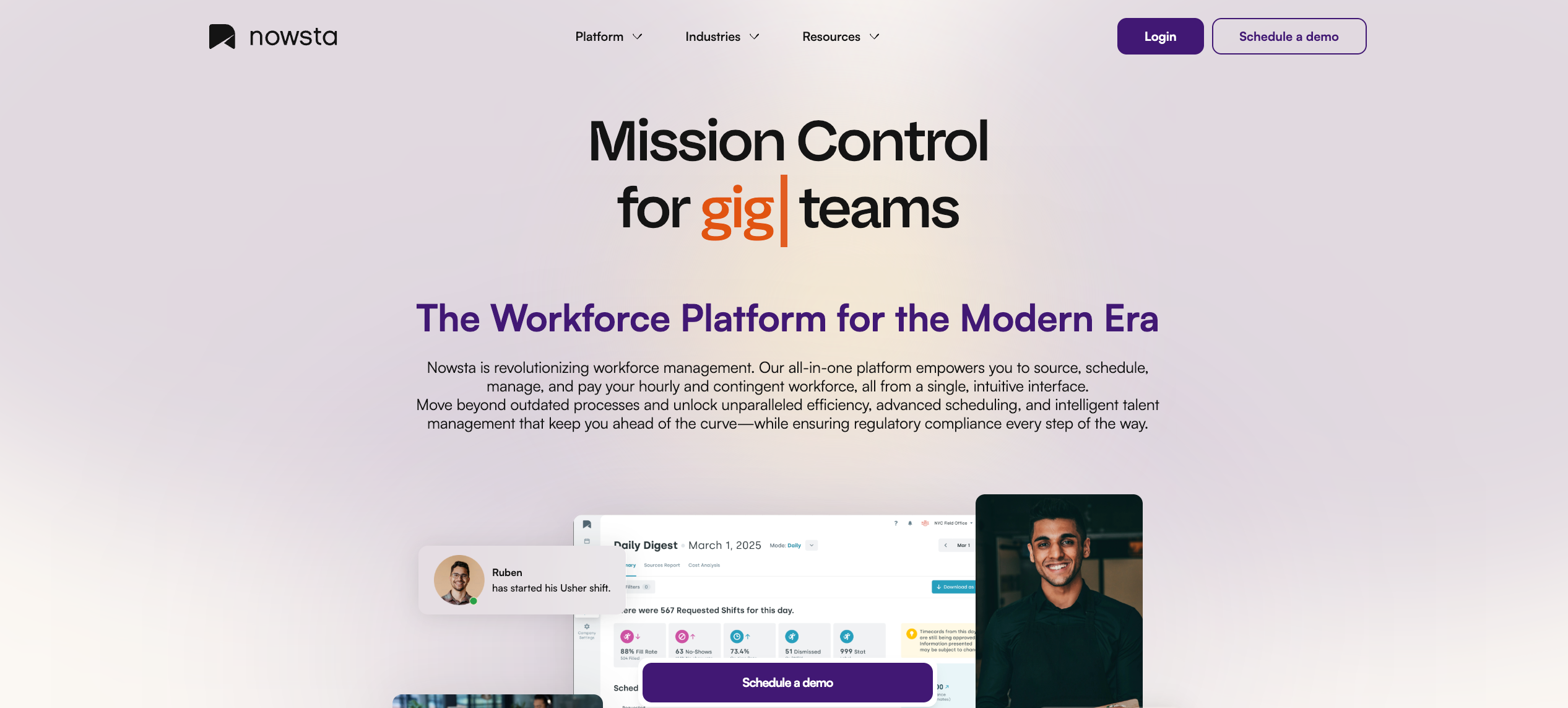
Nowsta is an all-in-one workforce orchestration platform that goes well beyond basic spreadsheet functionality. It combines AI-powered scheduling, talent intelligence, time tracking with geofencing, and seamless payroll integration into a single interface on the same platform.
Key features:
- AI-powered scheduling that builds optimized schedules in minutes, reducing scheduling time by up to 80%
- Real-time visibility into labor costs before schedules are published
- Built-in compliance features that enforce overtime thresholds and labor regulations automatically
- Talent sourcing and onboarding with a built-in ATS for hourly, full-time, part-time, and contingent staff
- Mobile-first design that lets workers view schedules, claim shifts, and clock in from their phones
- Drag and drop schedule builder for fast manual adjustments
- 28% fewer no-shows through automated reminders and notifications
- Seamless payroll integration that eliminates manual effort between scheduling and payment
What sets it apart: Most scheduling tools stop at “who works when.” Nowsta answers who should work, at what cost, and whether it’s compliant. It’s a workforce orchestration platform with advanced analytics, not just rows and columns with a better interface. For operations teams replacing spreadsheets at scale, this is the most comprehensive single-platform solution.
2. Deputy
Best for: Mid-sized businesses in retail, hospitality, and healthcare needing a straightforward scheduling and time tracking tool.
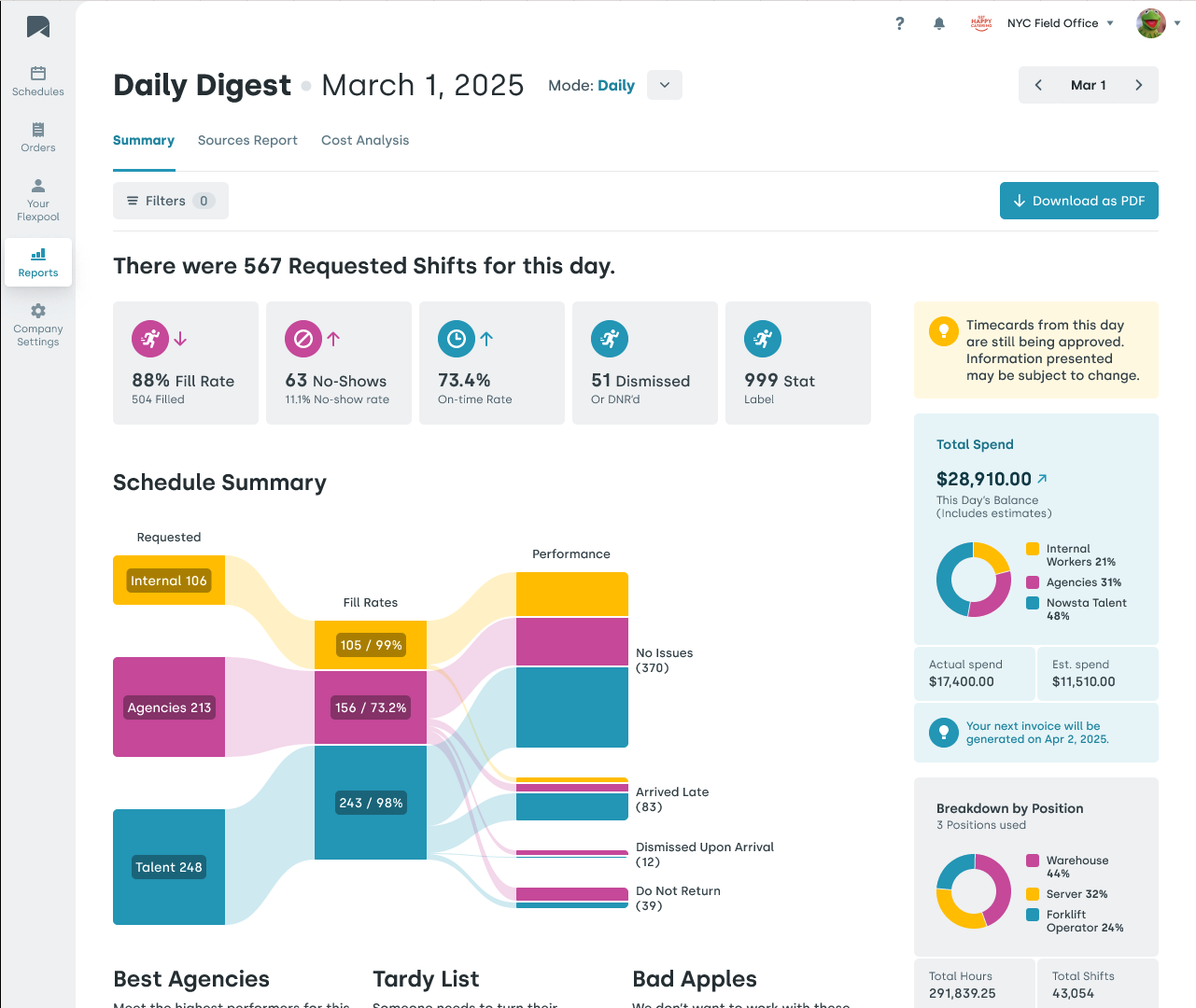
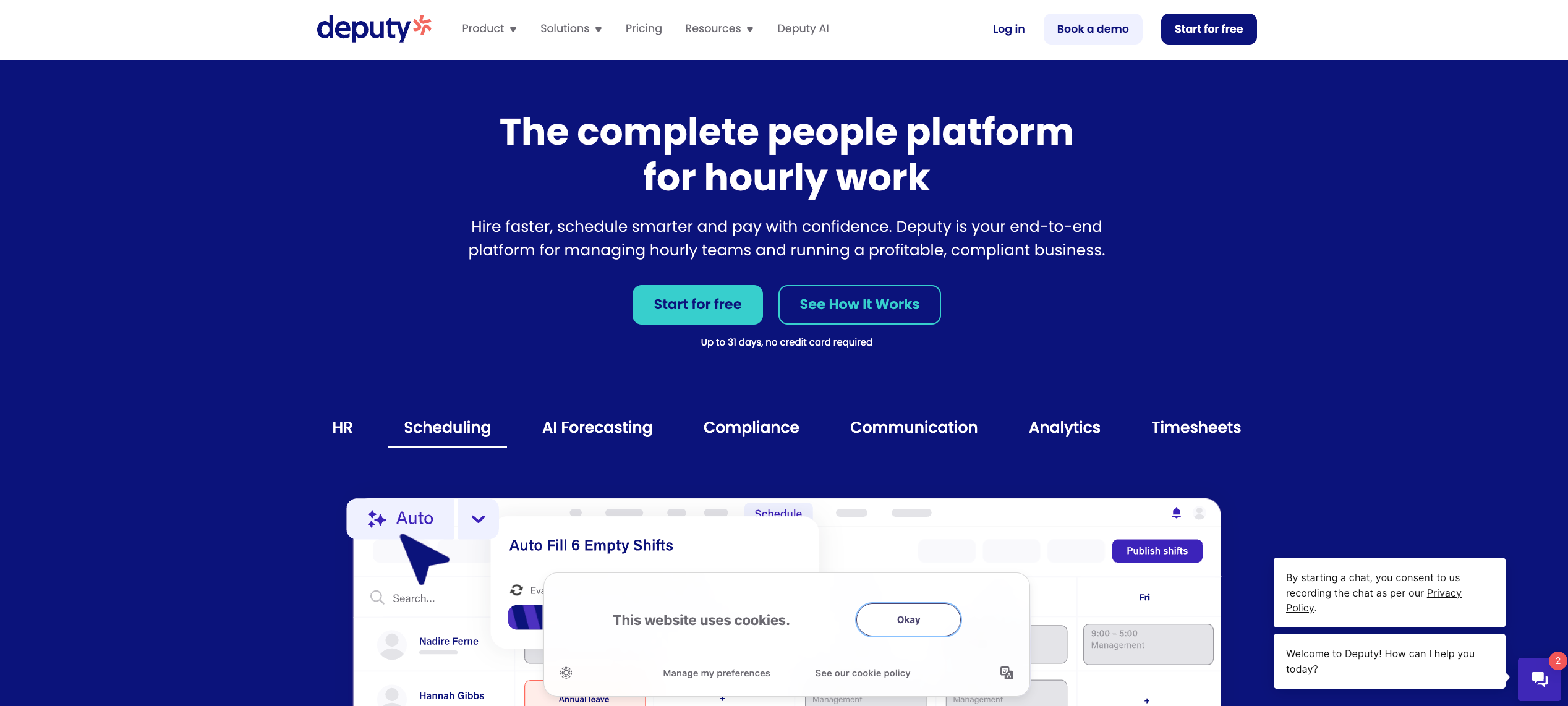
Deputy offers a clean interface with drag and drop scheduling, time tracking, and compliance features. It integrates with major payroll systems and provides mobile access for employees. Deputy’s paid plans start at $5 per user per month for its Lite plan, with a Core plan at $6.50 and a Pro plan at $9.
Key features:
- AI-powered auto-scheduler based on availability, demand, and labor budgets
- Break and overtime compliance tracking
- Task management and leave management tools
- Integrations with payroll platforms like ADP, Gusto, and Xero
- HR tools for onboarding and document management (as paid add-ons)
Consideration: Deputy works well for mid-sized teams and provides strong basic scheduling and time tracking. However, it lacks the depth of talent intelligence, workforce-wide sourcing, and all-in-one orchestration that larger enterprises with complex scheduling needs require. For catering, events, and staffing operations at scale, Nowsta provides a more comprehensive solution on the same platform.
3. When I Work
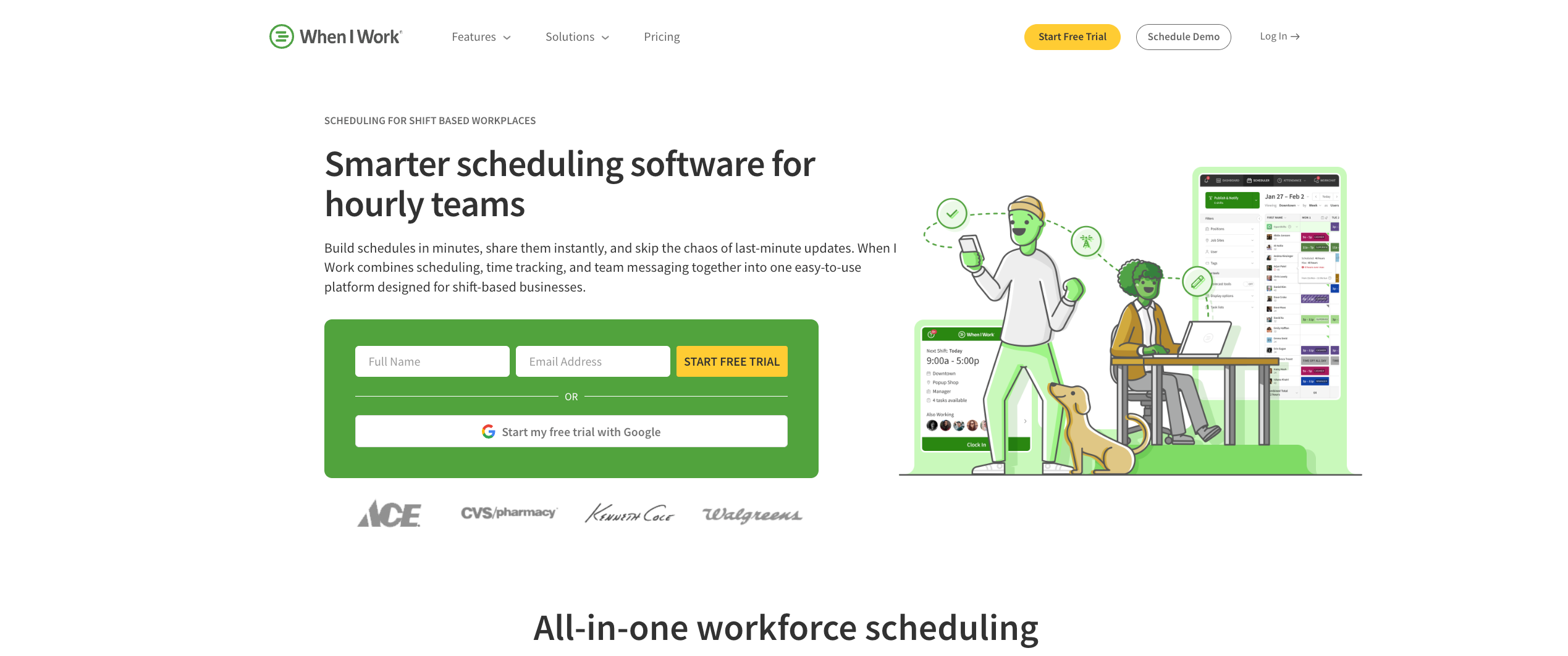
Best for:Small businesses and small team environments needing an affordable, user-friendly Excel alternative.
When I Work focuses on simplicity. It’s an accessible entry point for teams moving away from spreadsheets for the first time and want something that feels familiar without the complexity of enterprise platforms.
Key features:
- Intuitive schedule builder with shift templates
- Integrated team messaging to replace email and text chains
- Time-off request management and approval workflows
- Affordable pricing for smaller teams
Consideration: Best suited for teams with simpler scheduling needs. Larger operations will likely outgrow its feature set, and it lacks advanced features like AI-powered recommendations, demand forecasting, and built-in talent sourcing. There’s no free plan, but pricing is competitive for the small business segment.
4. Shiftboard
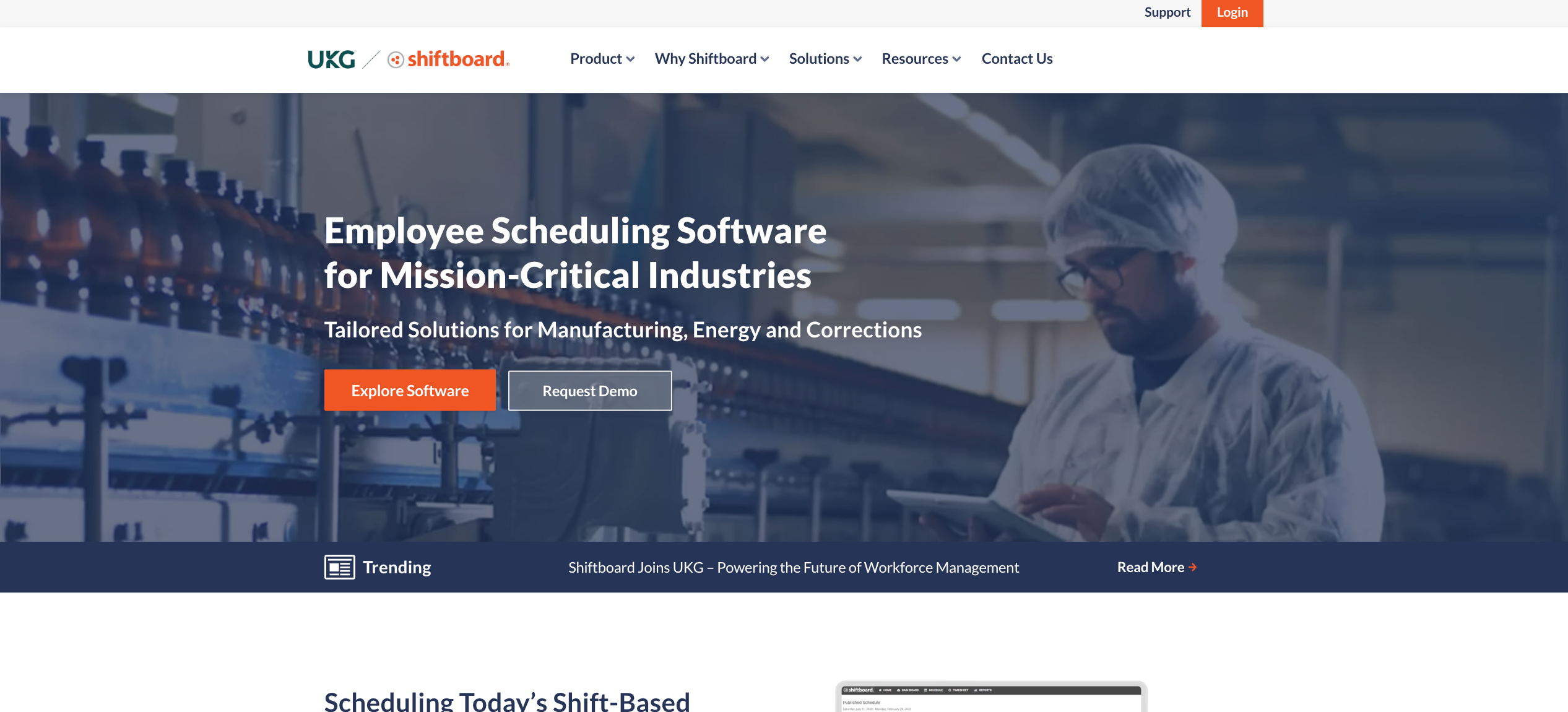
Best for:Large enterprises in manufacturing, energy, and healthcare with complex projects, 24/7 shift patterns, and union compliance requirements.
Shiftboard caters to organizations with around-the-clock operations. It’s designed for workforce complexity at scale, with strong resource management and resource planning capabilities.
Key features:
- Advanced shift pattern management for 24/7 operations
- Labor demand planning and forecasting with advanced analytics
- Leave and absence management with user permissions controls
- Onboarding tools for new hires
- Workflow automation for shift assignments and callouts
Consideration: Shiftboard is powerful for industrial environments and handles cross-functional workflows well. However, it may be more than what catering, events, or QSR teams need. For those industries, Nowsta’s platform is a more tailored fit that combines scheduling with talent intelligence and payroll on the same platform.
5. Connecteam
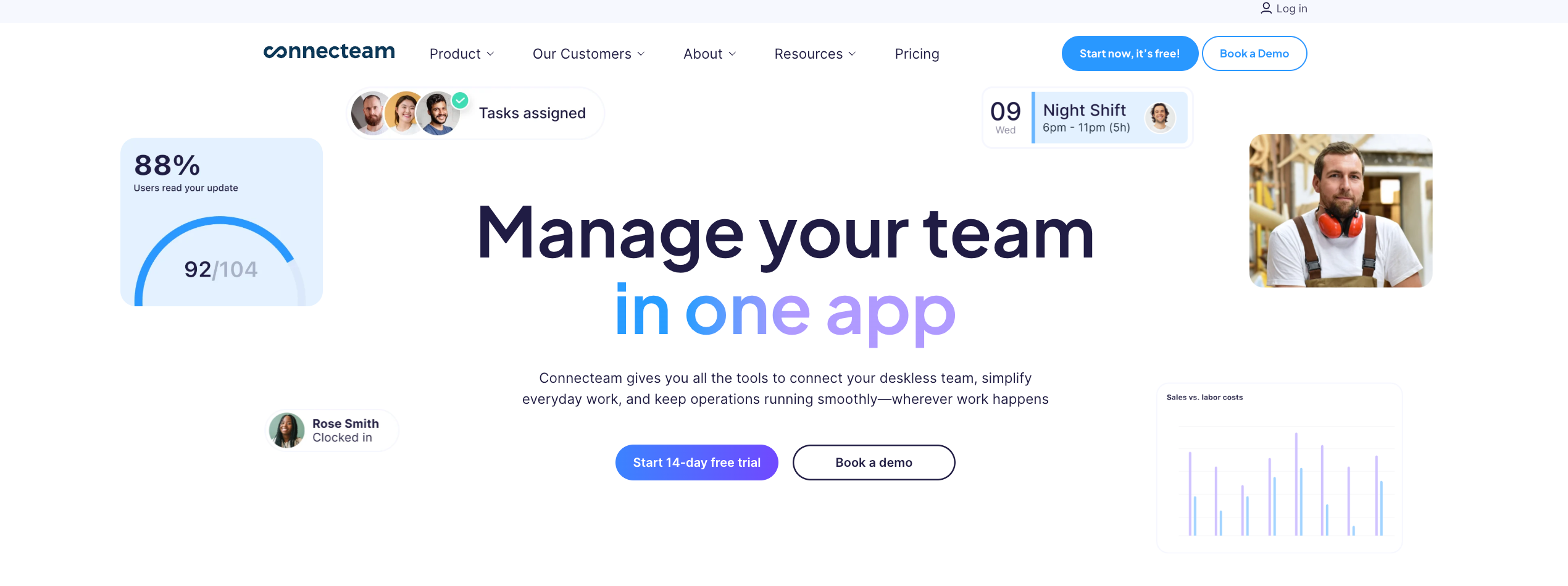
Best for: Mobile and field-based teams in construction, cleaning, logistics, and distributed operations.
Connecteam combines scheduling with team communication, task management, and training modules. It’s designed for deskless workers who need everything accessible from a phone, making it a strong spreadsheet alternative for teams that have never had dedicated workflow management tools.
Key features:
- GPS tracking and geofencing for remote workers
- Combined scheduling, communication, and task management on one platform
- Customizable checklists, forms, and data collection tools
- Knowledge base and training modules
- A free plan for small teams (up to 5 users) with basic functionality
Consideration: Connecteam is a generalist platform. Teams that need deep scheduling intelligence, payroll integration, or compliance automation may need to supplement it with other tools. Its scheduling features lack the AI-powered optimization and labor cost visibility that enterprise teams get with Nowsta.
6. Homebase
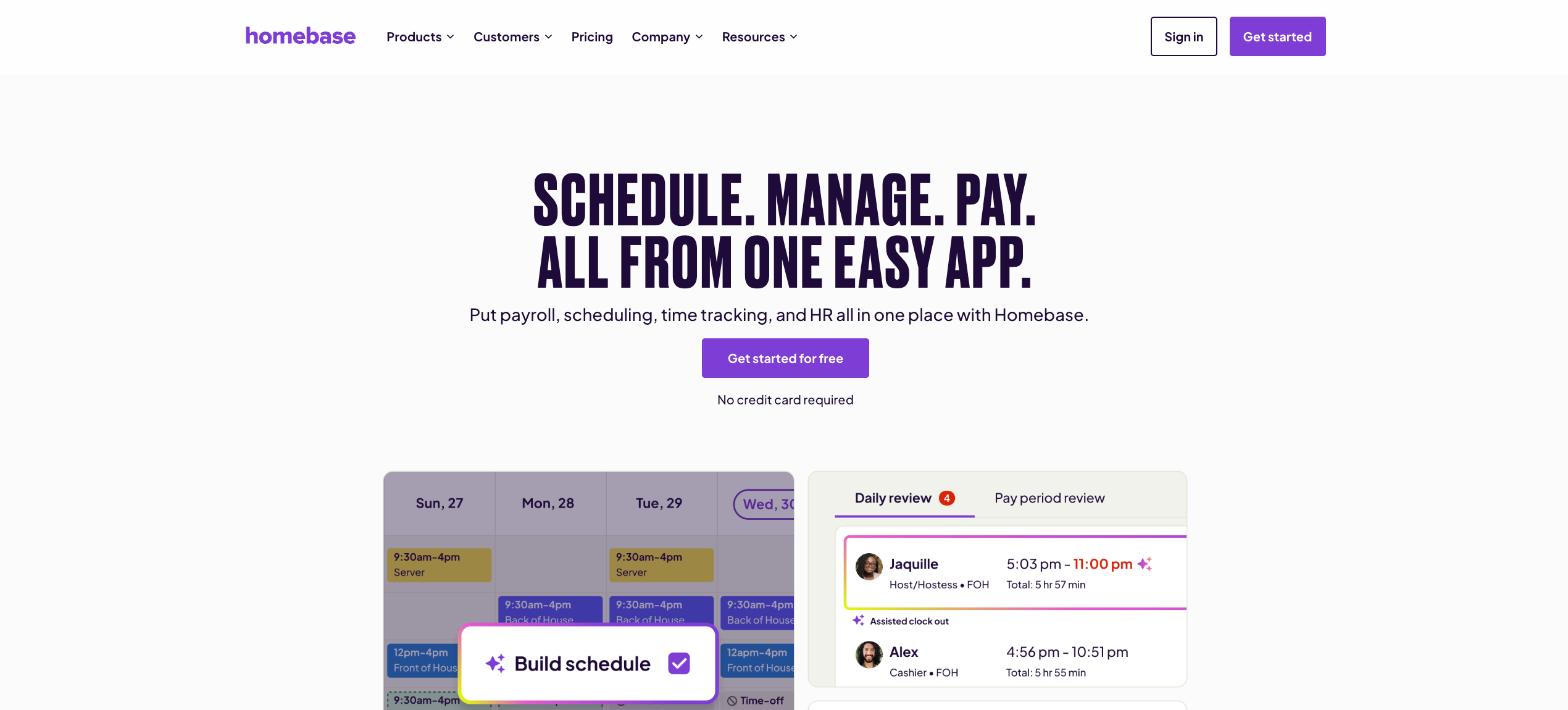
Best for:Small businesses in restaurants, retail, and local service industries looking for a completely free starting point.
Homebase offers a free plan with basic scheduling and time tracking, making it a low-risk first step away from spreadsheets. It’s designed for owners and managers who want to track time, manage schedules, and handle basic HR tools without the complexity of enterprise software.
Key features:
- Free tier with core scheduling and time tracking functionality
- Hiring and onboarding tools
- Built-in team messaging and collaboration features
- Payroll integrations with Gusto and QuickBooks
- Basic labor cost tracking
Consideration: Homebase is an excellent starting point for small businesses that need just rows, columns, and shift assignments replaced with something smarter. But it lacks the enterprise-grade compliance features, AI-powered scheduling, talent intelligence, and workforce orchestration capabilities that larger operations need.
7. 7shifts
Best for:Restaurants and food service businesses specifically.
7shifts is purpose-built for the restaurant industry, with features tailored to tip management, labor cost optimization against sales data, and manager communication tools. It’s a strong spreadsheet alternative if your operation is exclusively food service.
Key features:
- Restaurant-specific scheduling templates and workflow management
- Labor cost tracking integrated with POS data for real-time data analysis
- Tip pooling and distribution management
- Manager of log tools and team communication
- Demand forecasting based on historical sales patterns
Consideration: Highly specialized for food service. Not designed for multi-industry operations like events, staffing, warehousing, or catering at scale. If your operations span multiple industries, Nowsta offers broader coverage without sacrificing depth.
What Features Matter Most
Picking a scheduling platform isn’t about who has the longest feature list. It’s about finding the tool that fits your team’s size, industry, and operational complexity. Here’s what to prioritize when evaluating the best alternatives.
The Non-Negotiables for Enterprise Teams
- Real-time visibility into labor costs. If you can’t see what a schedule costs before you publish it, you’re guessing. This is the single biggest upgrade over any spreadsheet tool. Nowsta surfaces this data automatically, showing the financial impact of every scheduling decision in real time.
- Compliance automation. Your scheduling platform should enforce labor regulations automatically, not rely on a manager’s memory. Look for platforms that handle overtime thresholds, meal breaks, predictive scheduling laws, and maintain audit-ready records without manual intervention.
- Payroll integration. The gap between your schedule and your payroll system is where costly errors live. The best platforms eliminate manual data entry by syncing directly with your existing accounting platform and payroll system.
- Mobile access for workers. Your workforce isn’t sitting at a desk using Google Workspace or Microsoft Teams. They need to view schedules, claim shifts, swap with team members, and clock in from their phones. Any platform without a strong mobile app is not a real spreadsheet alternative for shift-based teams.
- Drag and drop scheduling. This sounds basic, but it matters. Project managers and operations leads need to build and adjust schedules visually, not through complex formulas or database management interfaces. The best platforms make creating schedules as intuitive as moving a card on a board.
- Actionable insights and advanced analytics. Beyond scheduling, you need data visualization and reporting that turns workforce data into decisions. How much overtime did each location generate last month? Which shifts have the highest no-show rates? Platforms that surface actionable insights give you a competitive edge over teams still pulling reports from Excel files.
Nice-to-Have Key Features
- Self-service features that let employees manage their own availability, reducing administrative overhead
- Automated shift recommendations powered by AI that fill coverage gaps based on skills, cost, and availability
- Built-in communication tools that replace text chains and keep everyone aligned on the same platform
- Integration with Google Calendar or other tools your team already uses
- Custom apps or API access for external stakeholders who need limited visibility into scheduling data
- Structured data exports for audits, compliance reviews, and financial reporting
Side-by-Side Comparison
| Platform | Best For | AI Scheduling | Payroll Integration | Compliance Features | Mobile App | Talent Sourcing | Starting Price |
|---|---|---|---|---|---|---|---|
| Nowsta | Enterprise hourly/contingent | Yes | Yes | Yes | Yes | Yes (built-in ATS) | Contact for pricing |
| Deputy | Mid-sized retail/hospitality | Yes (basic) | Yes | Partial | Yes | No | $5/user/month |
| When I Work | Small businesses | No | Limited | No | Yes | No | Contact for pricing |
| Shiftboard | Large industrial/24/7 ops | Yes | Yes | Yes | Yes | Limited | Contact for pricing |
| Connecteam | Field/mobile teams | No | Limited | No | Yes | No | Free plan available |
| Homebase | Small local businesses | No | Yes | Basic | Yes | Limited | Free plan available |
| 7shifts | Restaurants only | Yes (basic) | Yes | Partial | Yes | No | Free plan available |
Pro tip:Don’t just compare features on paper. Consider how each platform handles sensitive data, user permissions, and version history. These details matter at scale and separate real enterprise tools from dressed-up spreadsheets.
Making the Switch Without Disruption
The number one reason operations teams stick with spreadsheets isn’t because they work. It’s because switching feels risky. What if the new tool breaks something? What if the team doesn’t adopt it? What if the upfront costs don’t pay off?
These are valid concerns. Here’s how to manage them.
A Practical Migration Plan
Here’s the migration plan in 5 phases:
Phase 1: Audit your current manual processes (Week 1-2).
Document exactly what your spreadsheet does today. Every formula, every tab, every workaround. This becomes your requirements checklist. If your team relies on complex formulas, advanced functions, or Google Apps Script automations, note those specifically so you can validate that the new platform handles those repetitive tasks natively.
Phase 2: Run systems in parallel (Week 3-6).
Don’t cut over cold. Run your new scheduling platform alongside your spreadsheet for two to three pay periods. This lets you validate accuracy, catch gaps, and build confidence. Real-time collaboration features in modern platforms make this parallel period manageable since both systems can stay aligned without doubling manual effort.
Phase 3: Train your managers first (Week 2-4, overlapping).
Managers are the gatekeepers. If they don’t trust the new tool, adoption stalls. Invest in hands-on training that shows them specifically how the platform saves time versus their current workflow. Focus on the drag and drop scheduler, real-time labor cost visibility, and compliance automation. These are the features that make the switch feel worth it immediately.
Phase 4: Roll out to employees (Week 5-7).
Start with mobile app onboarding. Show workers how to view schedules, request time off, and claim open shifts from their phones. The faster they see value in mobile access and self-service features, the faster adoption accelerates. Most employees will prefer a modern app over checking a printed schedule or a shared Google Sheets link.
Phase 5: Decommission the spreadsheet (Week 8+).
Once you’ve validated payroll accuracy, confirmed compliance tracking, and built team confidence, turn off the spreadsheet. Don’t leave it running as a “backup.” That just creates the version control issues and disconnected files you left behind.
Nowsta’s implementation team supports this exact process. From data migration to manager training, their team helps operations leaders transition from spreadsheets without disrupting active schedules or payroll cycles. The premium plan includes dedicated support to ensure your team stays aligned throughout the switch.
Ditch the Spreadsheet, Run Smarter With Nowsta
Spreadsheets got you started. But they were never designed to manage a growing, shift-based workforce at scale. The right scheduling platform doesn’t just replace your spreadsheet. It eliminates the errors, compliance gaps, and overtime spirals that traditional spreadsheets were silently creating.
Here’s what to take away:
- Spreadsheets fail at workforce scheduling because they’re static data tools for a dynamic process
- The best alternative depends on your team size, industry, and operational complexity
- Enterprise operations need all-in-one platforms, not patched-together point solutions or disconnected files
- AI-powered scheduling, compliance automation, and payroll integration are non-negotiable at scale
- Real-time collaboration features, mobile access, and drag-and-drop scheduling are the baseline for any modern alternative
- The cost of staying on spreadsheets compounds every month in human error, overtime, and turnover
Nowsta replaces the spreadsheet with a workforce orchestration platform built for hourly and contingent teams. AI-powered scheduling, real-time labor tracking, built-in compliance, seamless payroll integration, and advanced analytics, all from one interface.
Done wrestling with formulas and broken tabs? Nowsta replaces your spreadsheets with AI-powered scheduling that builds optimized shifts in minutes. Schedule a demo and see how your operation runs when you finally leave the spreadsheet behind.
FAQs
What Can I Use Instead of a Spreadsheet or Google Sheets?
Dedicated workforce scheduling platforms like Nowsta, Deputy, When I Work, and Shiftboard replace spreadsheets with workflow automation, real-time visibility, compliance tracking, and mobile access. The right choice depends on your team size and whether you need basic scheduling or full workforce orchestration.
Project management tools like Smartsheet can manage projects and organize project plans, but they’re not built for shift-based scheduling, labor compliance, or payroll integration. For enterprise operations managing hourly and contingent workers, Nowsta provides the most comprehensive single-platform alternative to manage resources and track time.
How Do You Create an Employee Schedule in Excel?
Set up columns for dates, shifts, and employee names, then manually enter assignments based on availability. Some teams use pivot tables, advanced functions, or Google Apps Script for basic automation.
Real-time editing is possible in cloud-based versions, but it doesn’t solve the core problem: Excel has no awareness of overtime rules, labor costs, or worker availability. The process requires constant manual effort, creates version control issues when multiple people touch the file, and has zero integration with your payroll system. It works for a small team. It breaks at scale.
Why Is Excel Obsolete for Scheduling and Project Management?
Excel isn’t obsolete for data analysis, data visualization, or database management. It’s obsolete as a scheduling tool. It lacks real-time collaboration features, automated compliance tracking, mobile access, and payroll integration.
Every manual update introduces human error risk with no audit trail for shift changes. Some teams combine Excel with project management software to manage projects alongside scheduling, but this creates disconnected files and duplicated effort. For complex scheduling across multiple locations, Excel creates more compliance risks than it solves.
What AI Is Replacing Excel for Scheduling?
AI-powered workforce platforms are replacing Excel by automating shift creation, predicting demand, and optimizing labor costs in real time. Nowsta’s AI engine builds optimized schedules in minutes by factoring in availability, skills, certifications, and labor costs.
Unlike project management tools built for project plans and long-term initiatives, AI scheduling platforms solve real-time, day-to-day workforce complexity. Real-time editing, automated workflows, and predictive intelligence replace complex formulas and static data in disconnected files. The result is actionable insights on the same platform where your team manages every aspect of operations.